> ## Documentation Index
> Fetch the complete documentation index at: https://docs.guhan.ai/llms.txt
> Use this file to discover all available pages before exploring further.
# Company, event and network pages
> Import a company's employees, an event's attendees, or your own followers and following into a Guhan List.
The same import works wherever LinkedIn lists people. In each case the panel opens that list of people, and you import from it exactly as you would from a [search](/chrome-extension/searches-and-imports).
## A company's employees
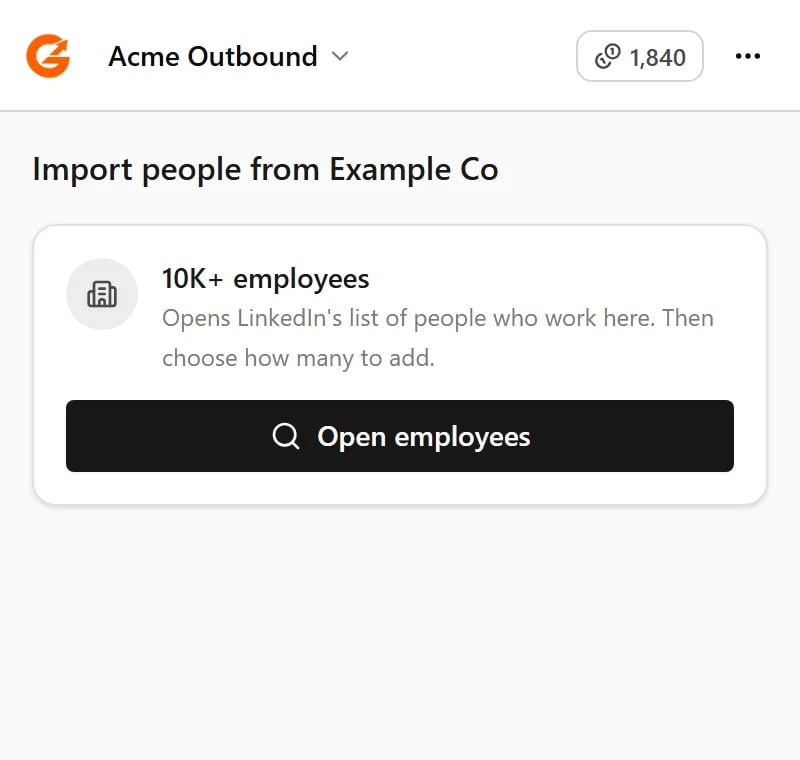
On a company page, click **Open employees**. LinkedIn's list of people who work there opens, and the panel's **Import…** works on it.
 ## An event's attendees
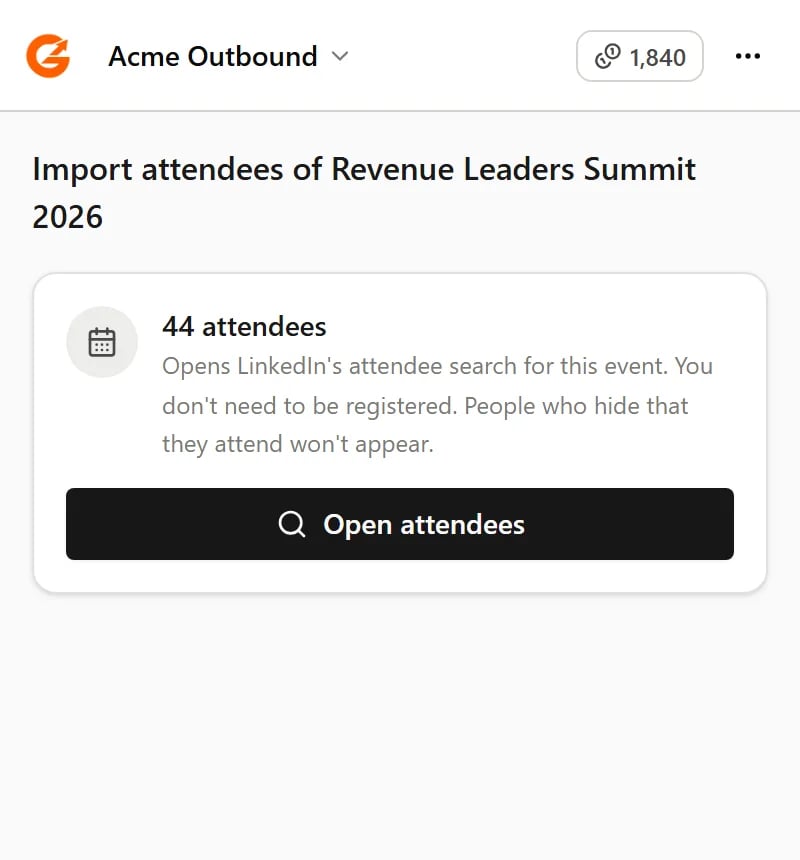
On an event page, click **Open attendees**. You don't need to be registered for the event. People who hide that they're attending won't appear.
## An event's attendees
On an event page, click **Open attendees**. You don't need to be registered for the event. People who hide that they're attending won't appear.
 ## Your followers and following
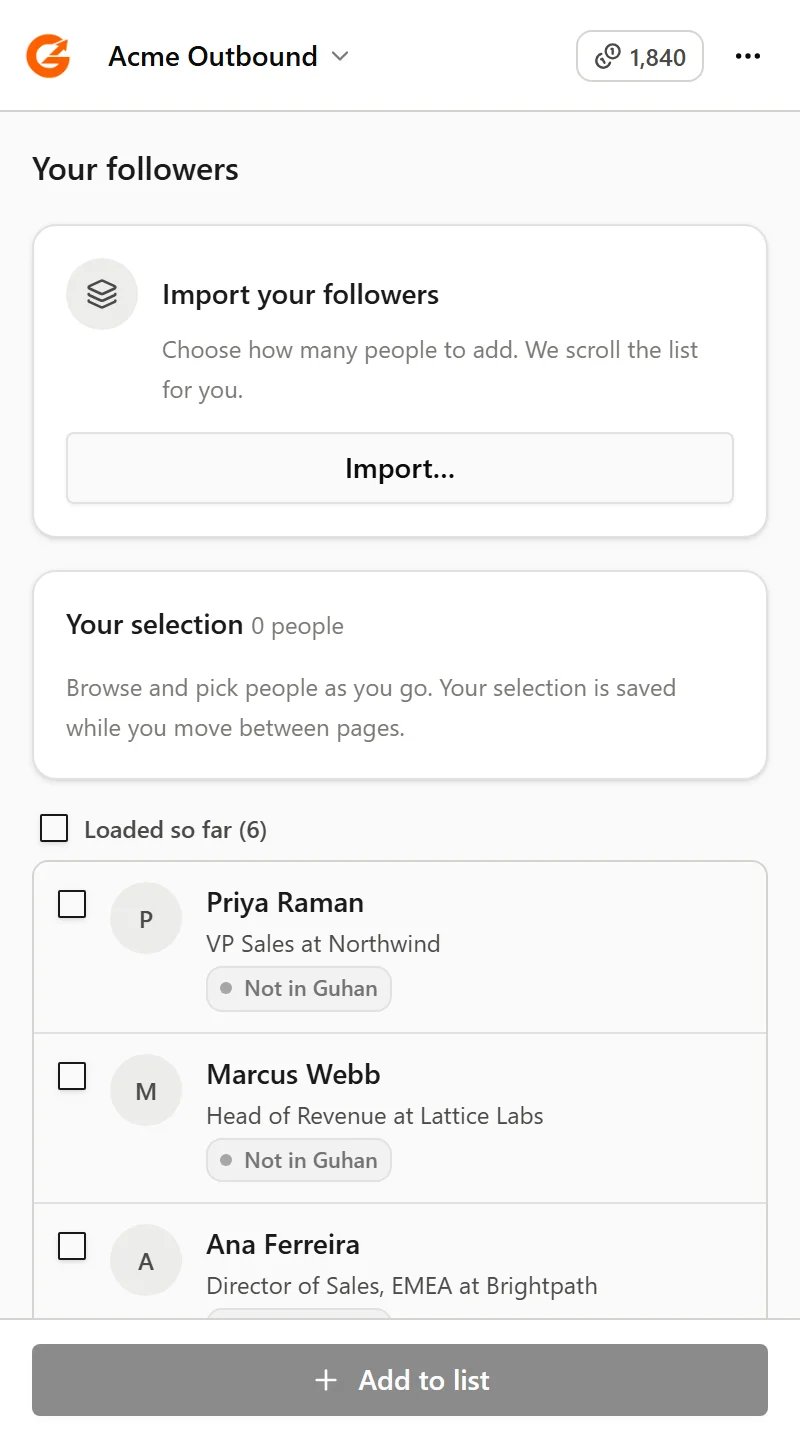
On your own followers or following list, choose how many people to import. Guhan scrolls the list for you, a few seconds at a time. LinkedIn doesn't show anyone else's followers.
## Your followers and following
On your own followers or following list, choose how many people to import. Guhan scrolls the list for you, a few seconds at a time. LinkedIn doesn't show anyone else's followers.
 People from your followers and following lists are matched by their LinkedIn member ID. Someone who's already in Guhan under only a profile link may be added again.
## Related
Choose how many, pick people, and watch progress.
Which LinkedIn pages the extension works on.
This documentation is built and hosted on [Mintlify](https://mintlify.com), a developer documentation platform.
People from your followers and following lists are matched by their LinkedIn member ID. Someone who's already in Guhan under only a profile link may be added again.
## Related
Choose how many, pick people, and watch progress.
Which LinkedIn pages the extension works on.
This documentation is built and hosted on [Mintlify](https://mintlify.com), a developer documentation platform.