

A company’s employees
On a company page, click Open employees. LinkedIn’s list of people who work there opens, and the panel’s Import… works on it.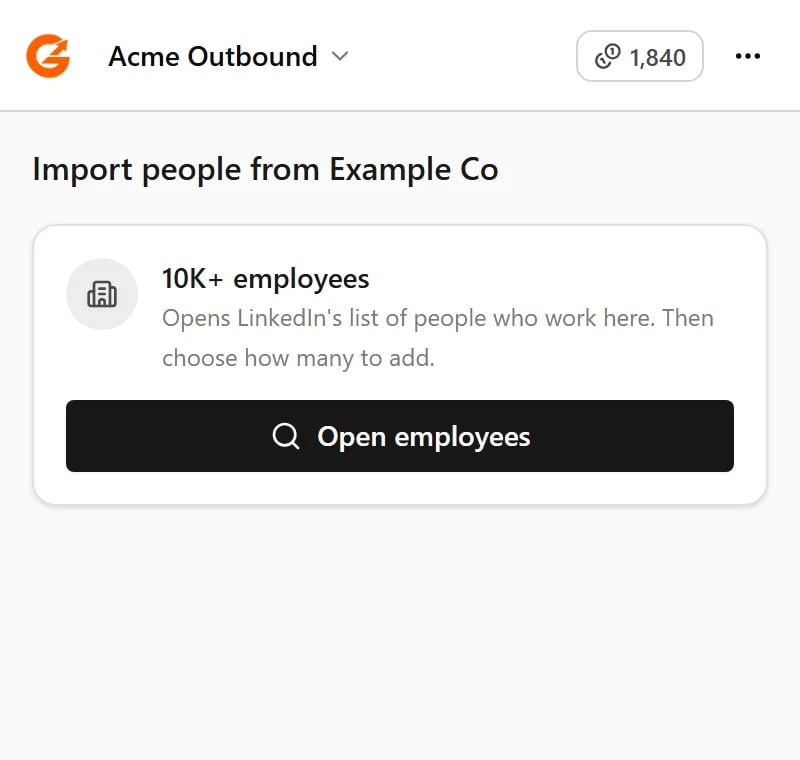
On a company page, Open employees takes you to its people
An event’s attendees
On an event page, click Open attendees. You don’t need to be registered for the event. People who hide that they’re attending won’t appear.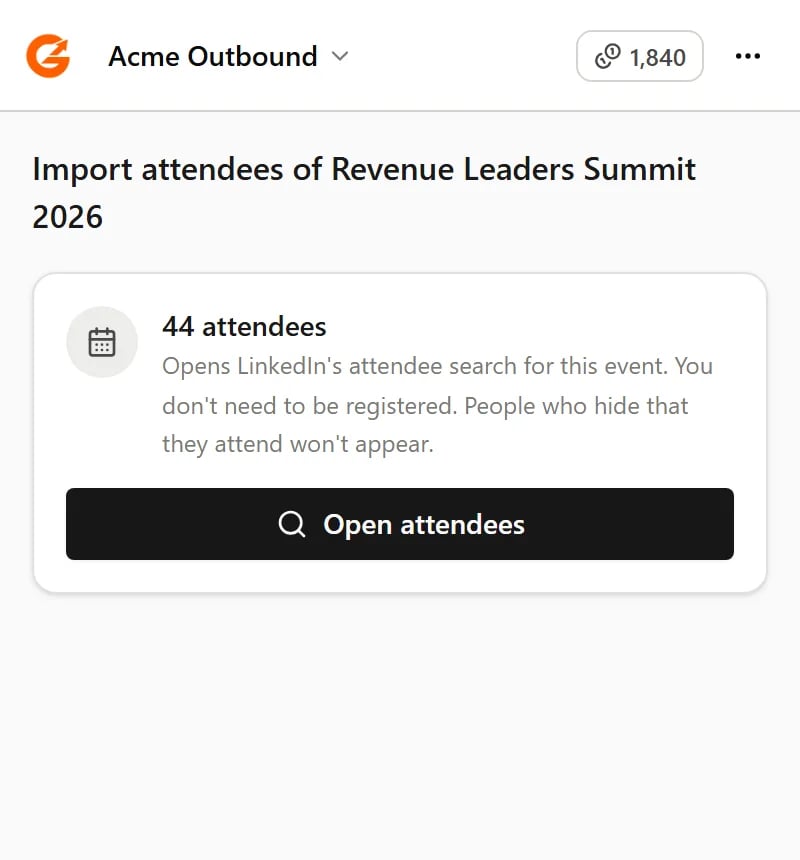
On an event page, Open attendees takes you to the people attending
Your followers and following
On your own followers or following list, choose how many people to import. Guhan scrolls the list for you, a few seconds at a time. LinkedIn doesn’t show anyone else’s followers.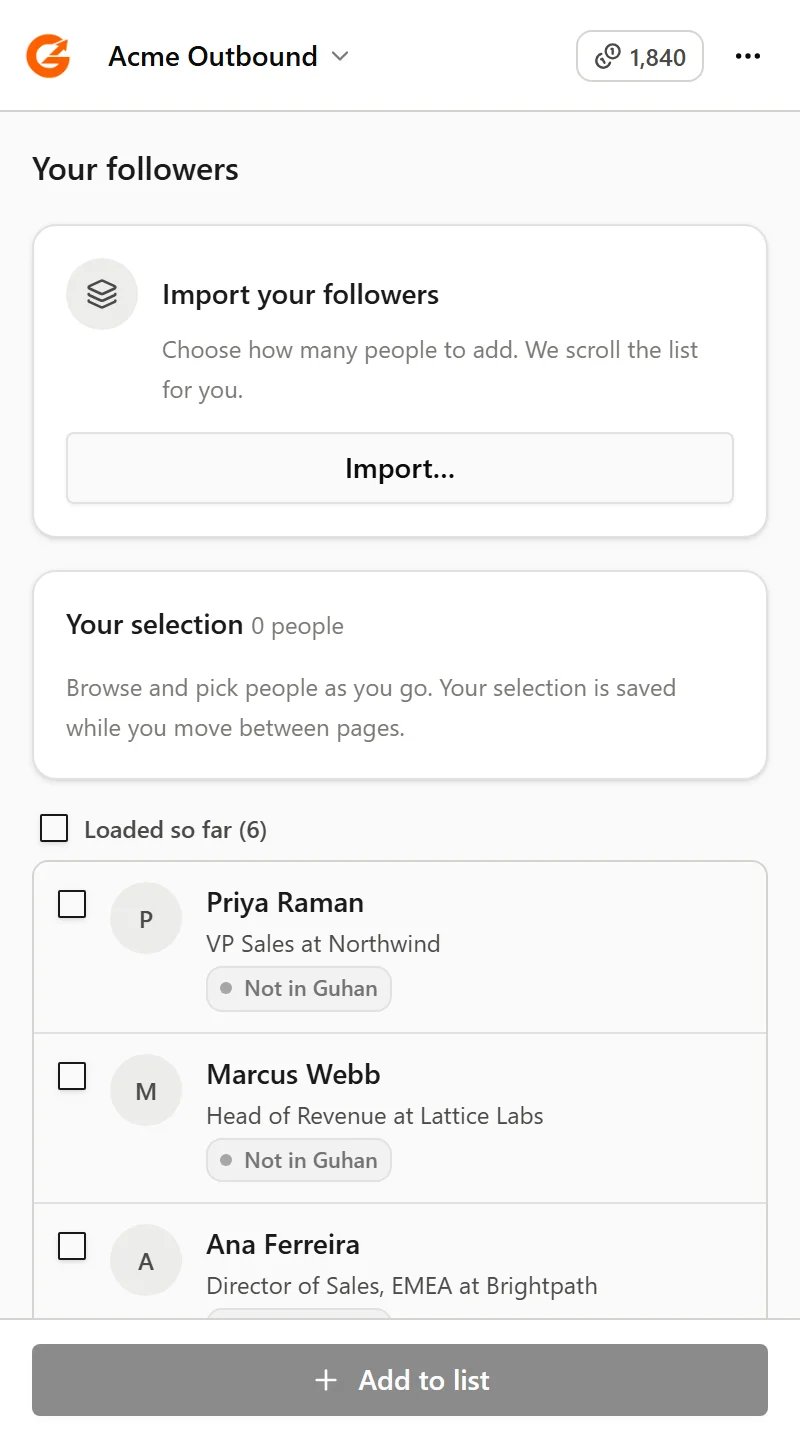
Import the first people on your followers or following list
People from your followers and following lists are matched by their LinkedIn member ID. Someone who’s already in Guhan under only a profile link may be added again.
Related
Searches and imports
Choose how many, pick people, and watch progress.
Get started
Which LinkedIn pages the extension works on.