

Brand
Click Edit on a tile to change it.- Industry: pick from the list, or search. This is the industry you operate in.
- Company description & value proposition: two or three plain sentences on what you do and why it matters.
- Customer pain points: the specific problems your customers have.
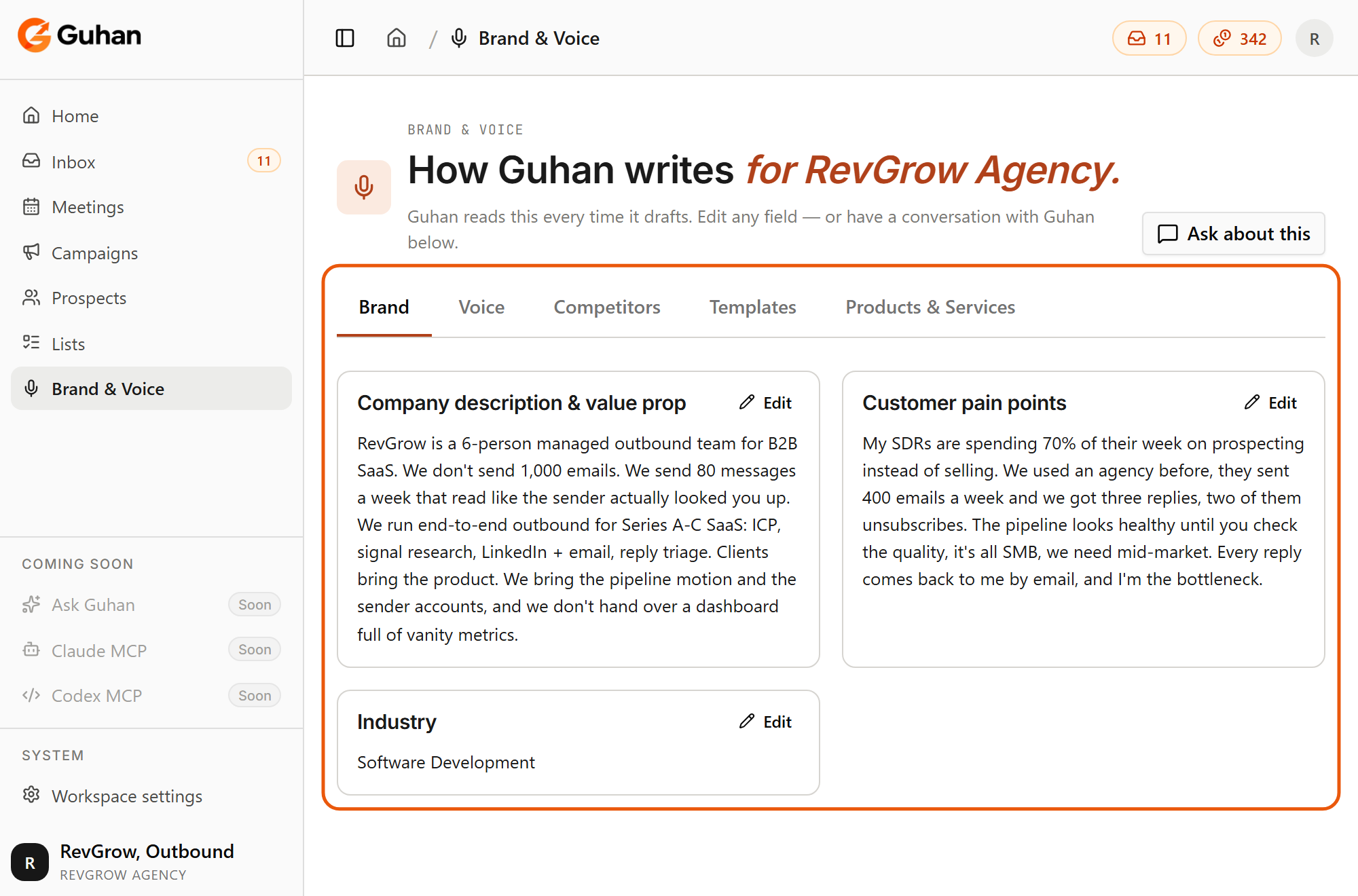
The Brand tab: company description, customer pain points and industry. Each tile has an Edit button
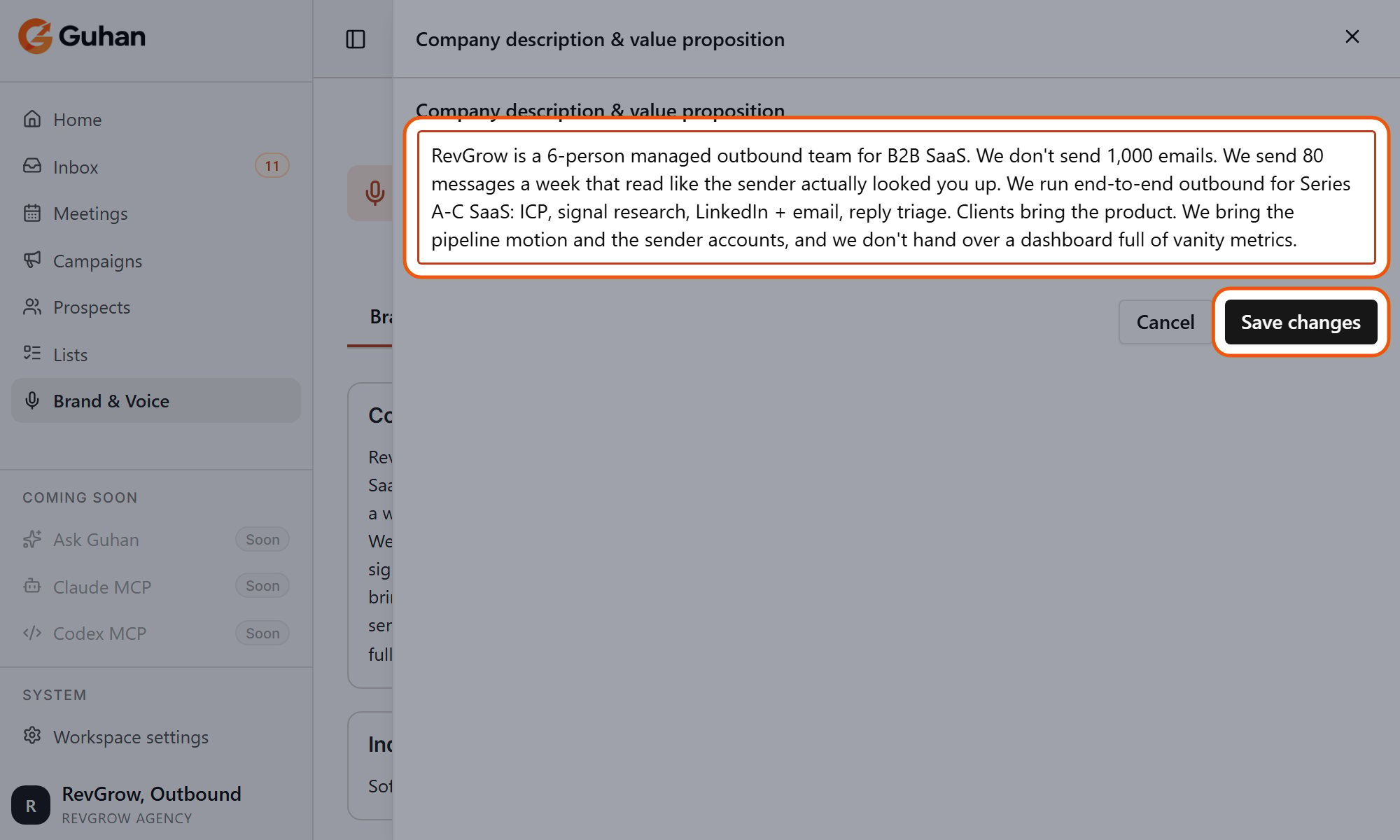
Edit opens the field in a panel. Change the text, then click Save changes
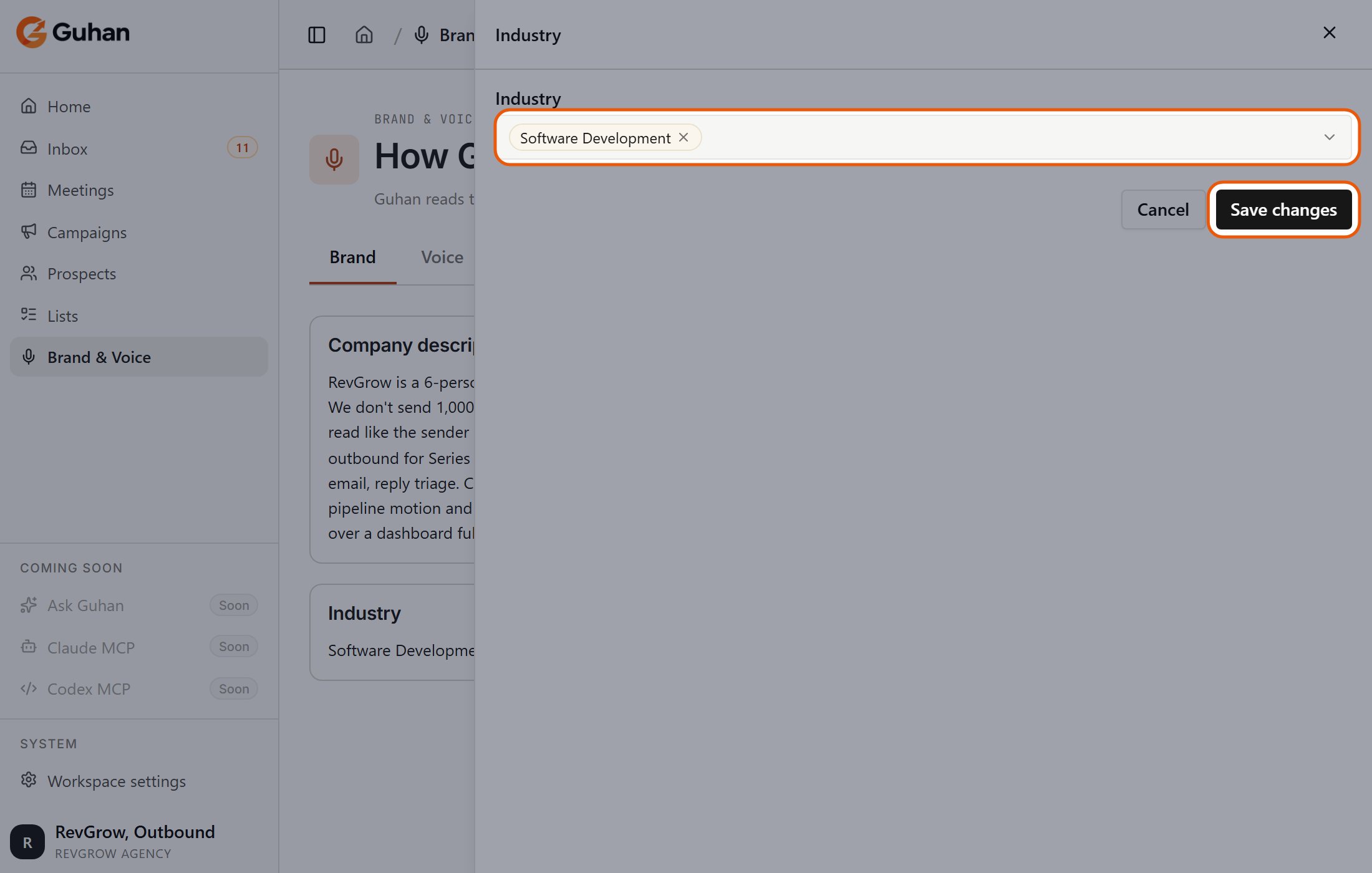
Industry: pick from the list or search, then Save changes
Voice
- Tone: one of Professional, Conversational, Direct, Authoritative, Technical, Casual, or Consultative. Each has a short description in the picker. Conversational is the default.
- Preferred language: the language Guhan should write in. Treat it as guidance rather than a guarantee.
- Words / patterns Guhan won’t write: phrases or words to keep out of every message, such as “just wanted to circle back”. Type each one and press Enter or a comma. Guhan strictly keeps these out of messages it drafts.
There is no “always include” list. Forcing a phrase into every message made messages read as repetitive, so your positioning belongs in the company description and on your products instead.
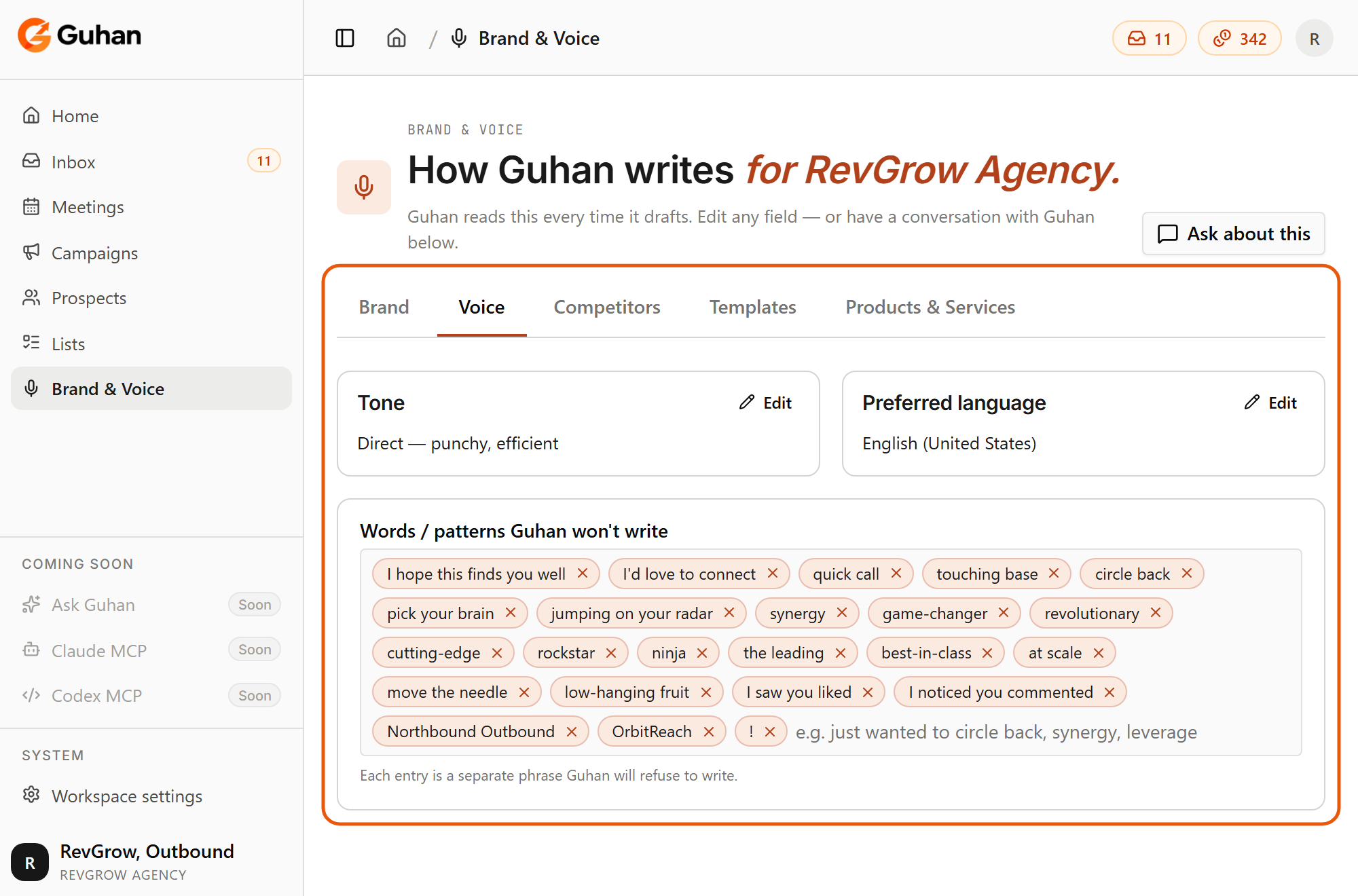
The Voice tab: tone, preferred language, and the words and patterns Guhan will not write
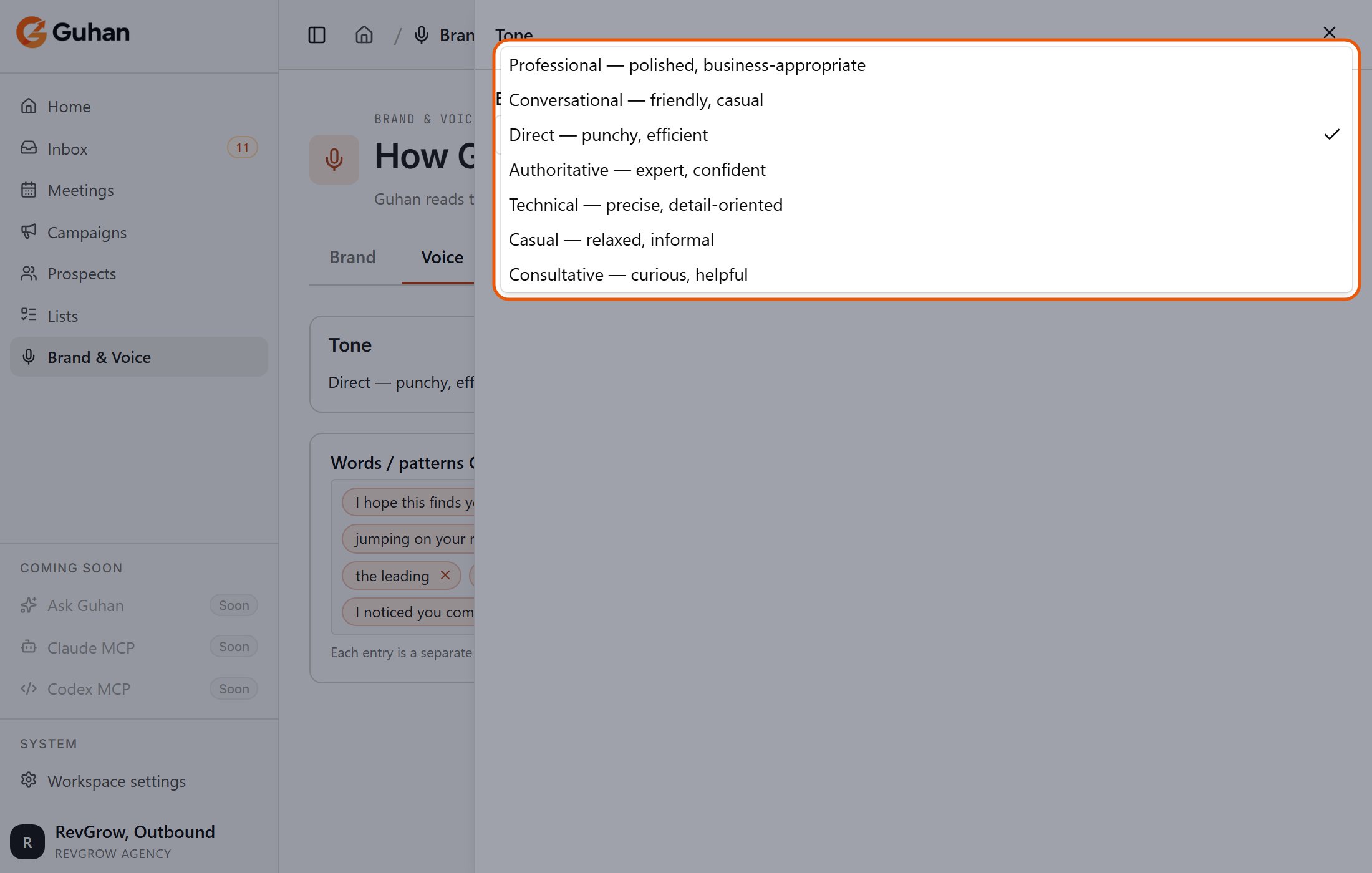
Tone: pick one of seven baselines, each with a short description
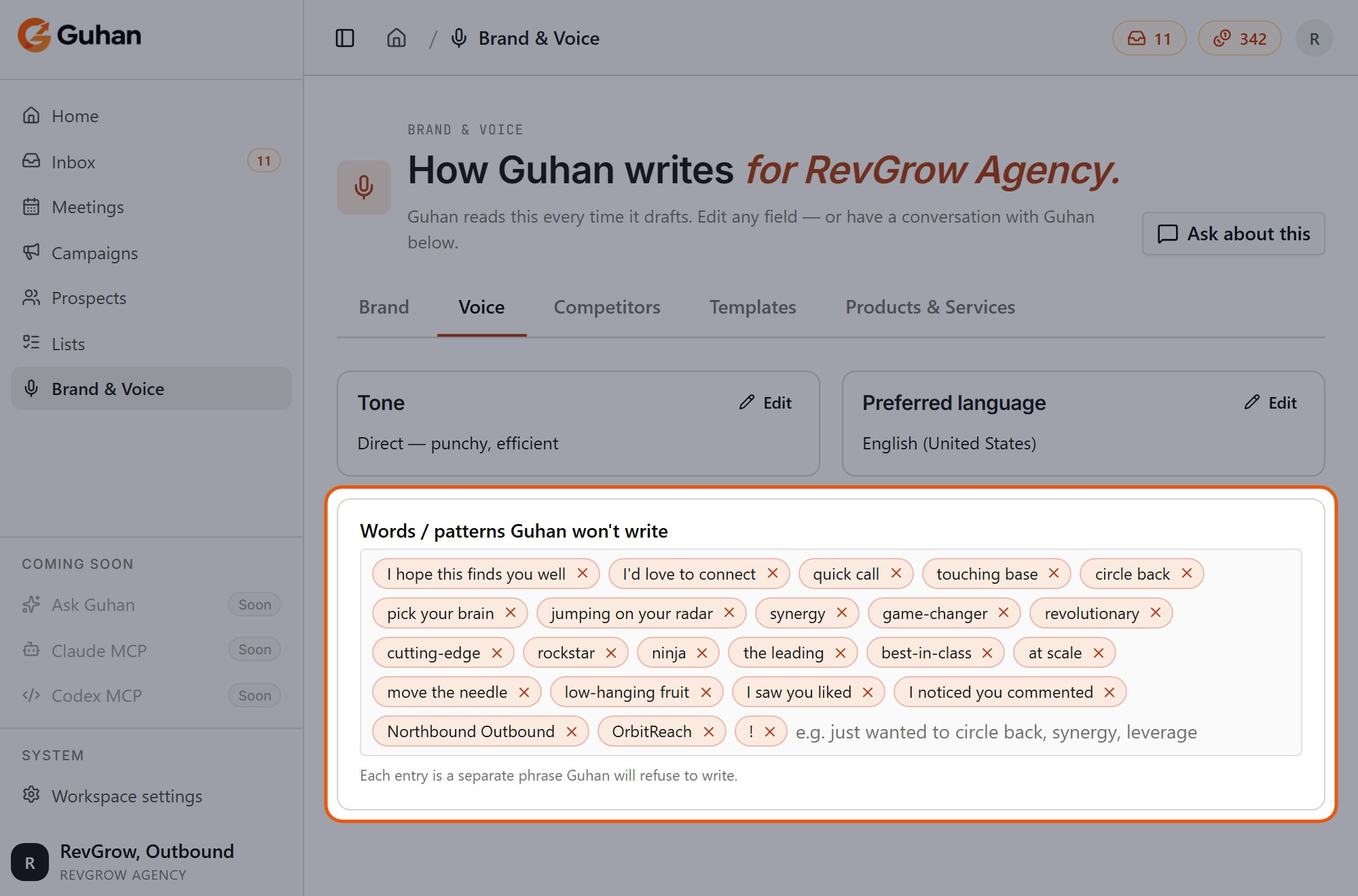
Words and patterns Guhan will not write: add each one as its own entry
Competitors
Add each competitor with:- Name
- Differentiation: how you differ when this competitor comes up, for example where you win and where you would concede.
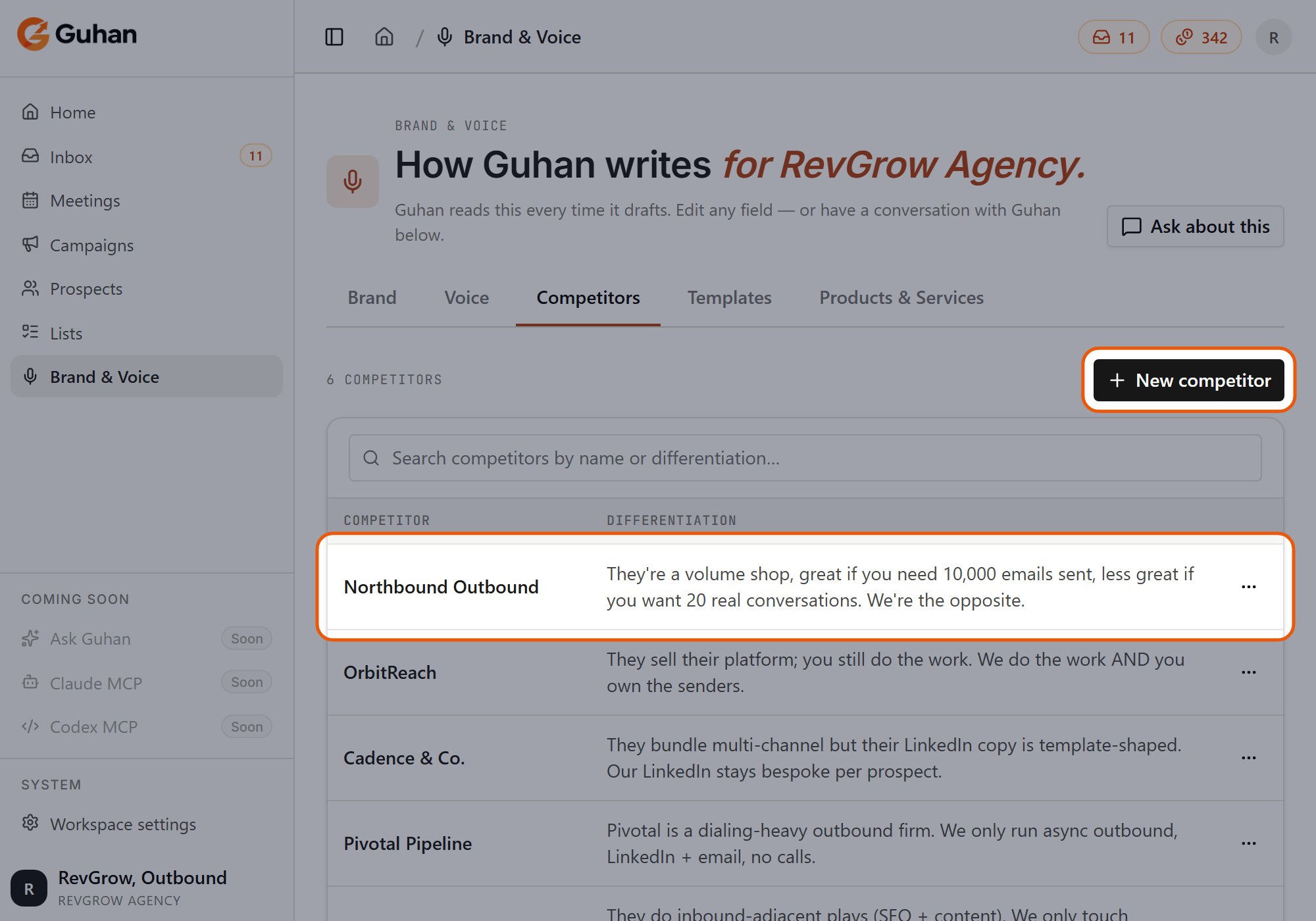
The Competitors tab: New competitor at the top right, and one row for each competitor with how you differ
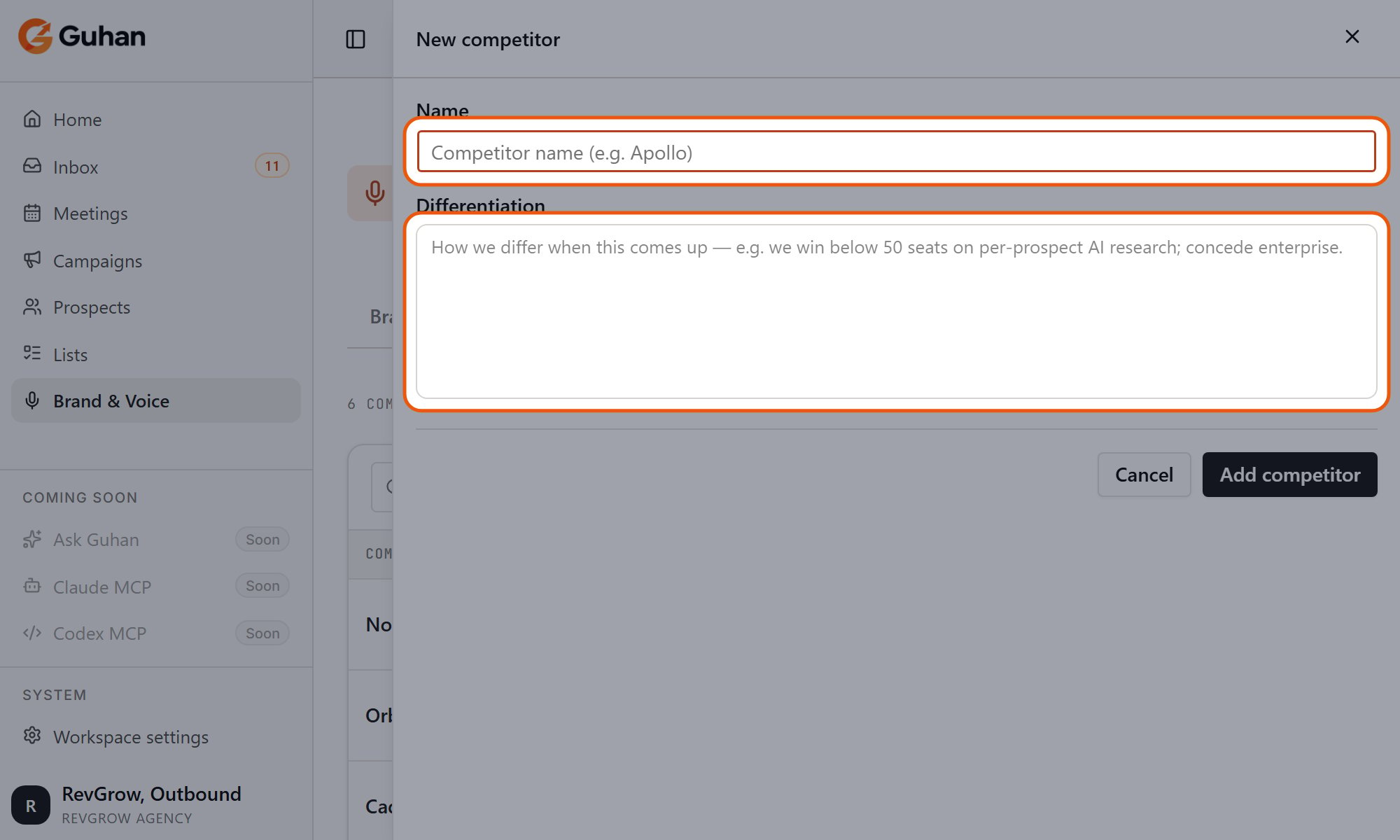
New competitor: a name and how you differ when it comes up
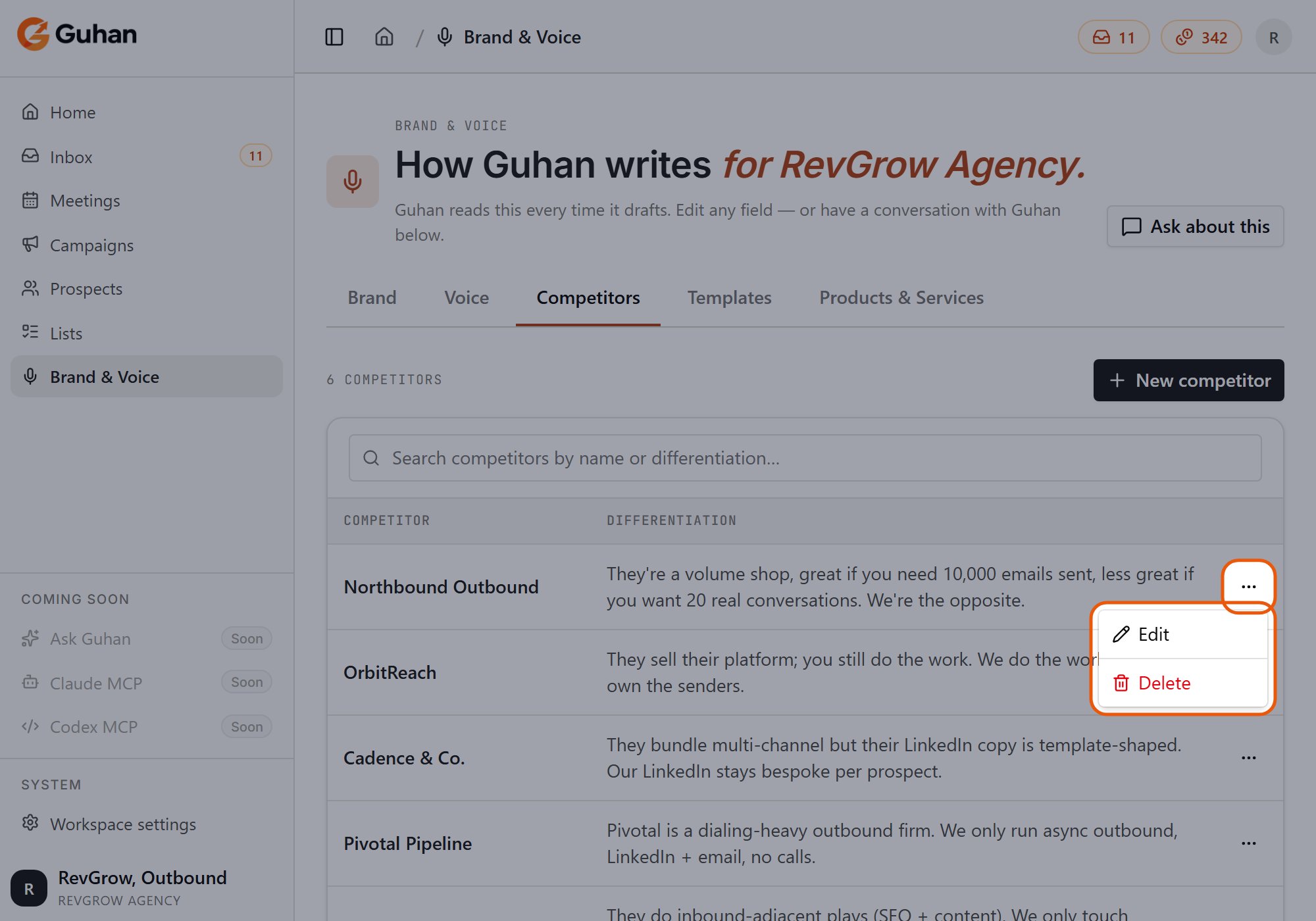
A competitor's menu: Edit or Delete
Templates and Products & Services
These two tabs are covered on their own pages: Message templates and Products.Keeping it stable
Changing tone or the never-say list part-way through a campaign makes later messages sound different from earlier ones, which prospects notice. Settle it early and change it deliberately.If something’s off
Messages still use a phrase I banned
Messages still use a phrase I banned
The ban applies to messages Guhan drafts. Check whether that step is set to Fixed message, where the text is sent as typed, and whether the phrase is in a template or the step’s own instructions.
My edits did not seem to apply
My edits did not seem to apply
Messages drafted before you saved are not changed. Only newly drafted messages pick up the change.
Messages are generic
Messages are generic
Add detail to the company description and pain points, then fill in the product the campaign is using. See Products.
Related
Brand & Voice
What each tab is for.
Message templates
Starters and your own.
Products
What you sell.