

The five starters
Every workspace comes with five starter templates. Starters are read-only. Clone one to edit it. In the Templates tab, Starter marks a read-only template, Guided means Guhan writes the message from the template’s instructions, and Default marks the template suggested first for that channel.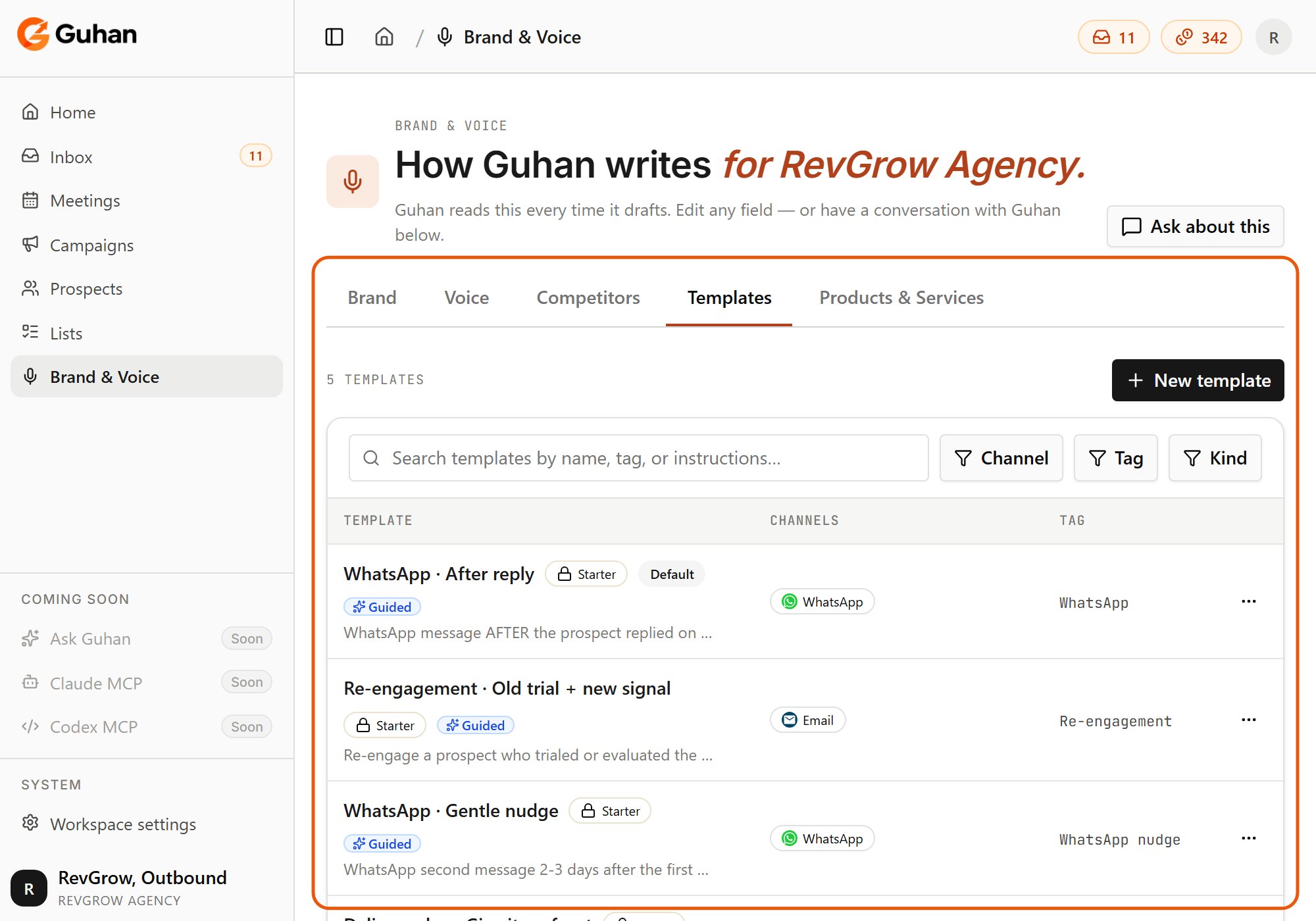
The Templates tab: the five starters, with their channel and Starter, Guided and Default badges
Create a template
Open Brand & Voice, Templates
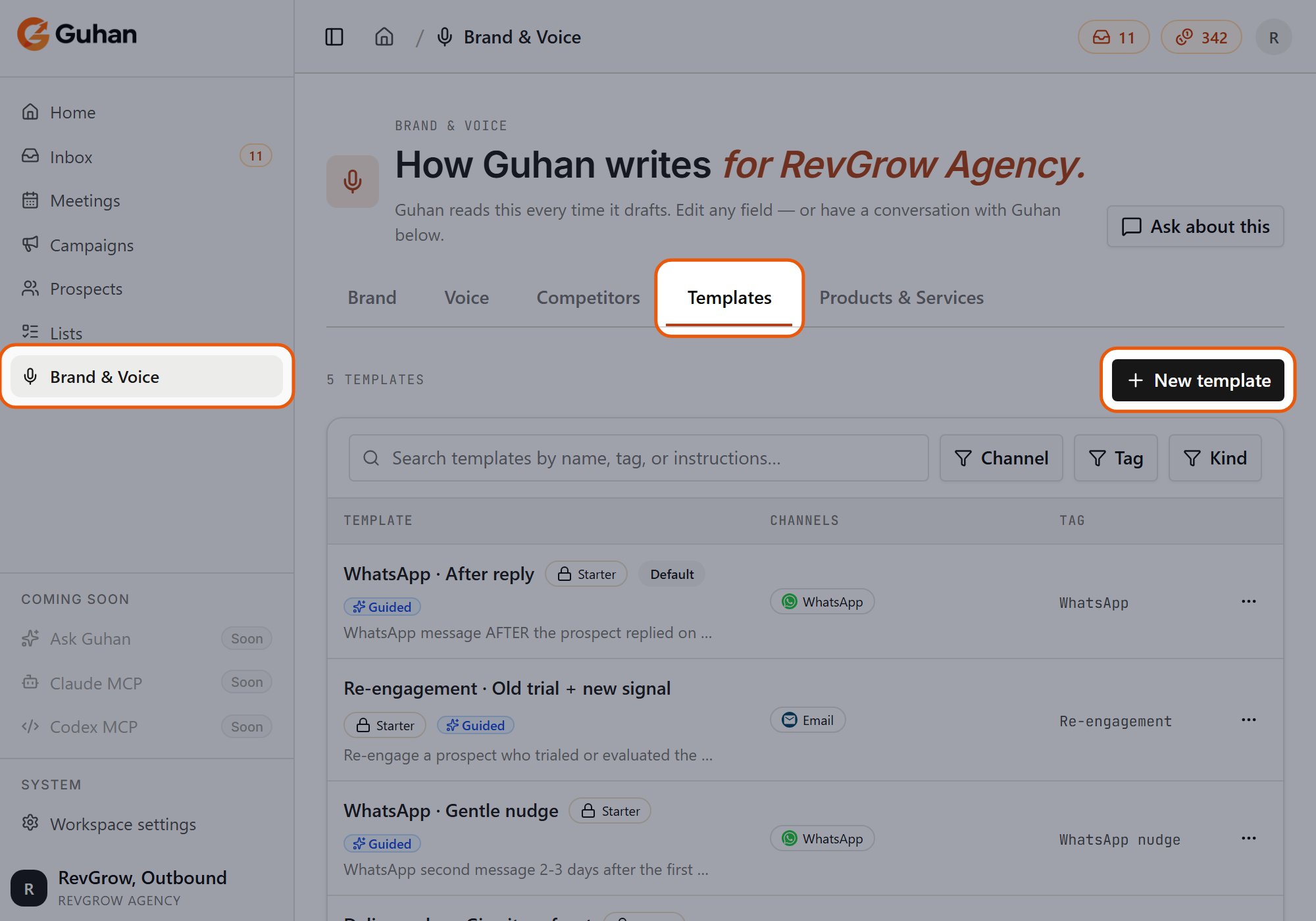
Brand & Voice, Templates tab, then New template at the top right
Name it and pick channels
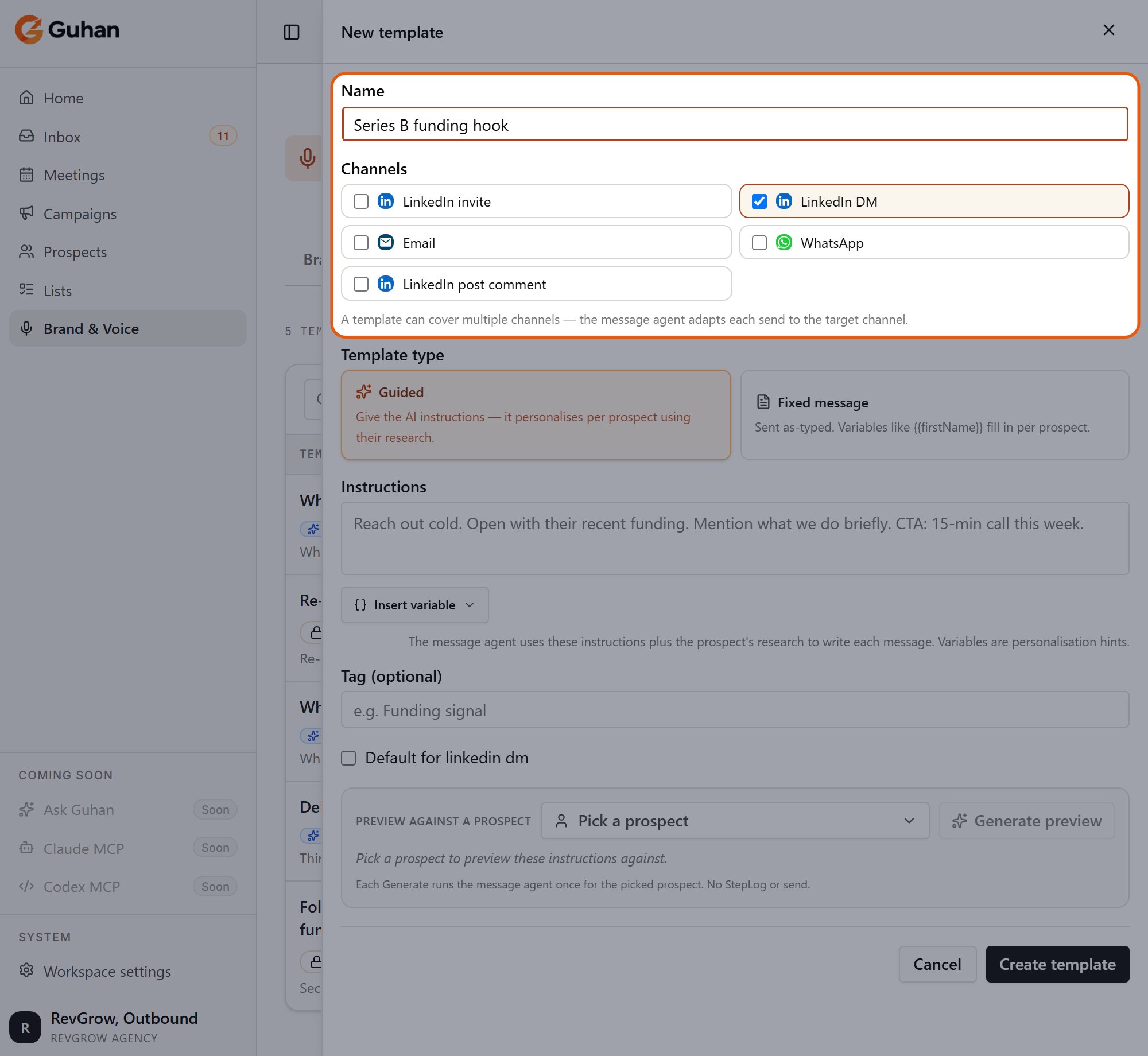
Give the template a name and tick the channels it can be used on
Choose the template type
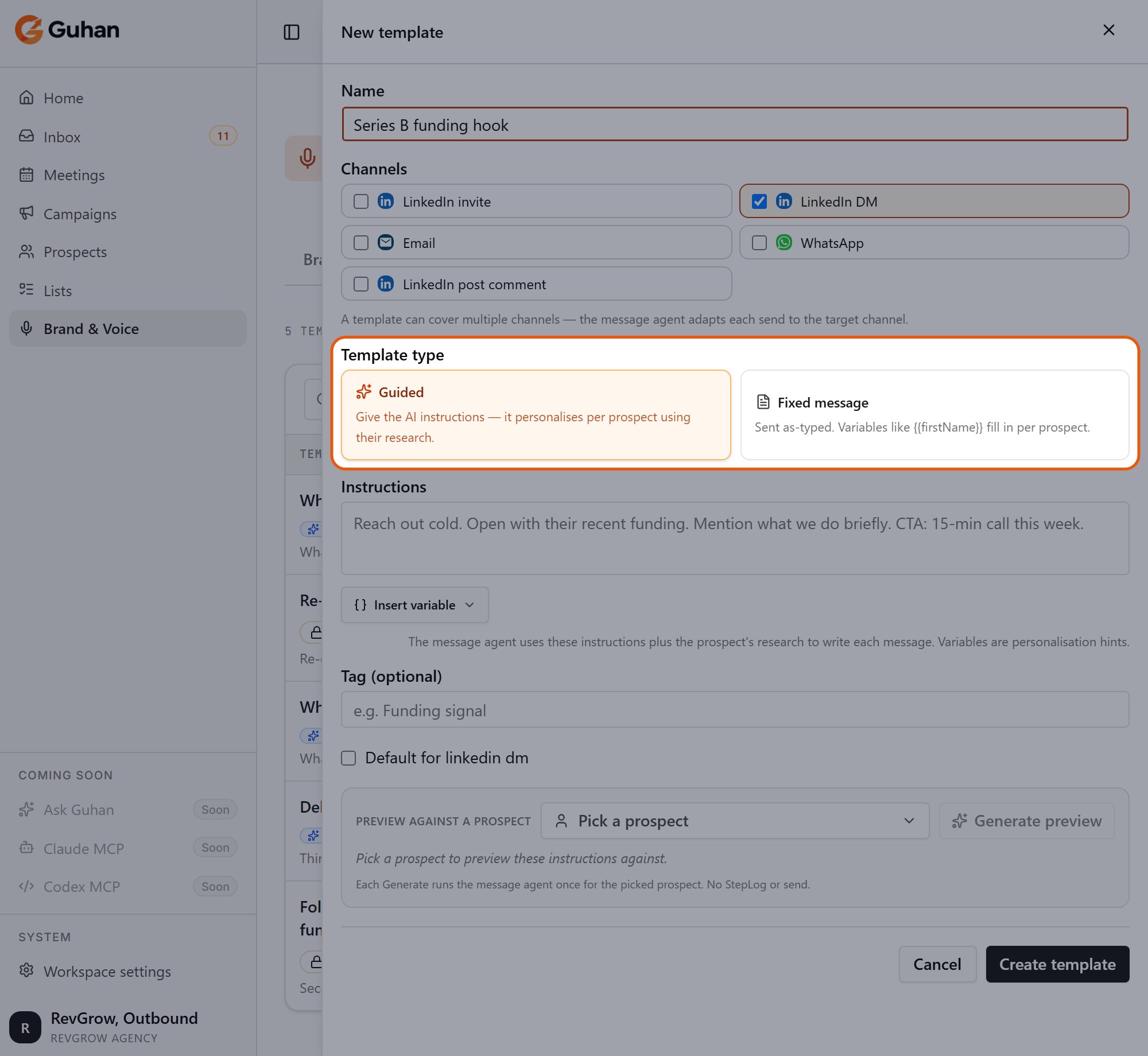
Guided has Guhan write each message from your instructions. Fixed message sends exactly what you type
Write it
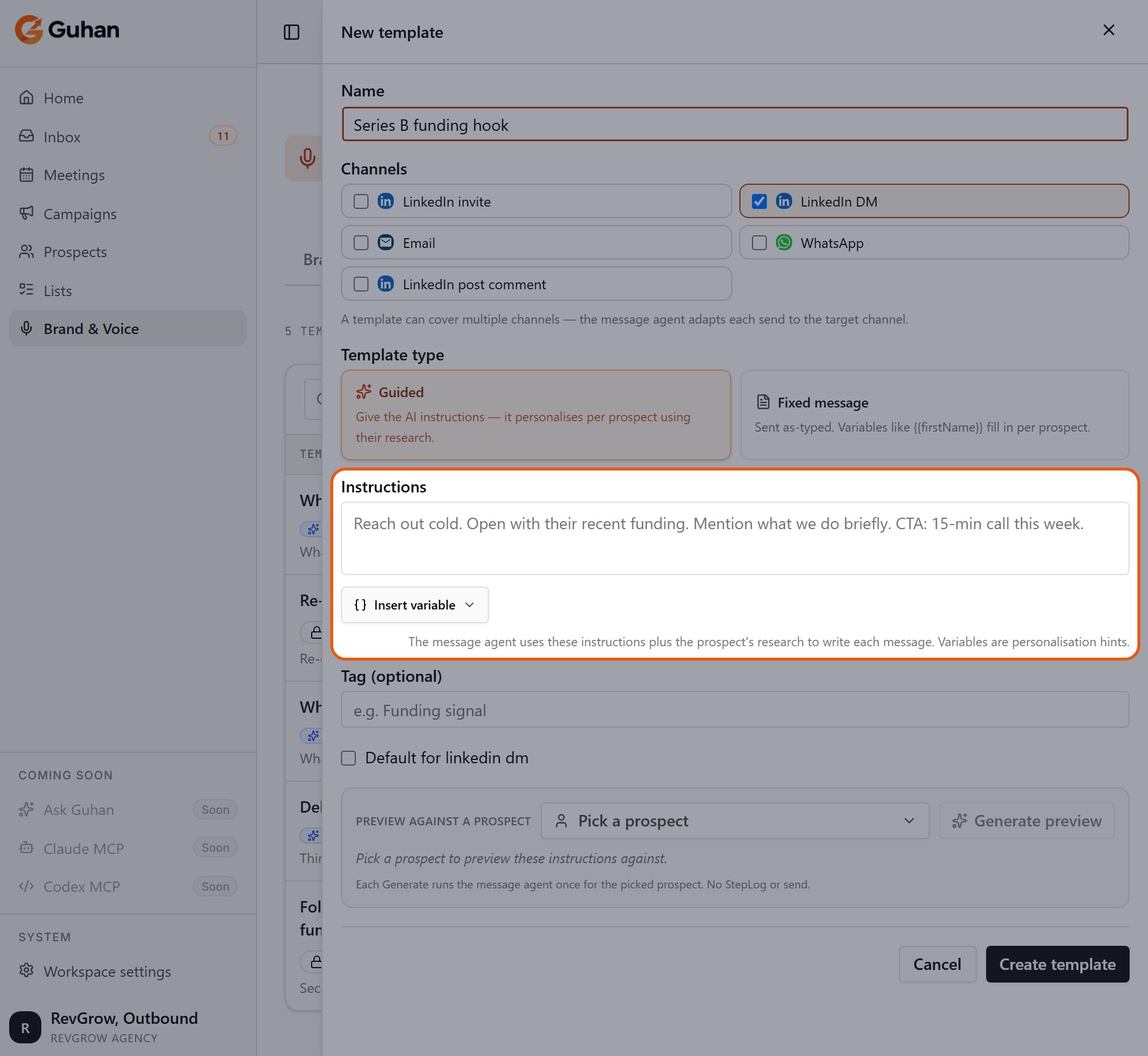
Write the instructions. Insert variable adds a placeholder such as the first name
Optional: tag and recent-post hook
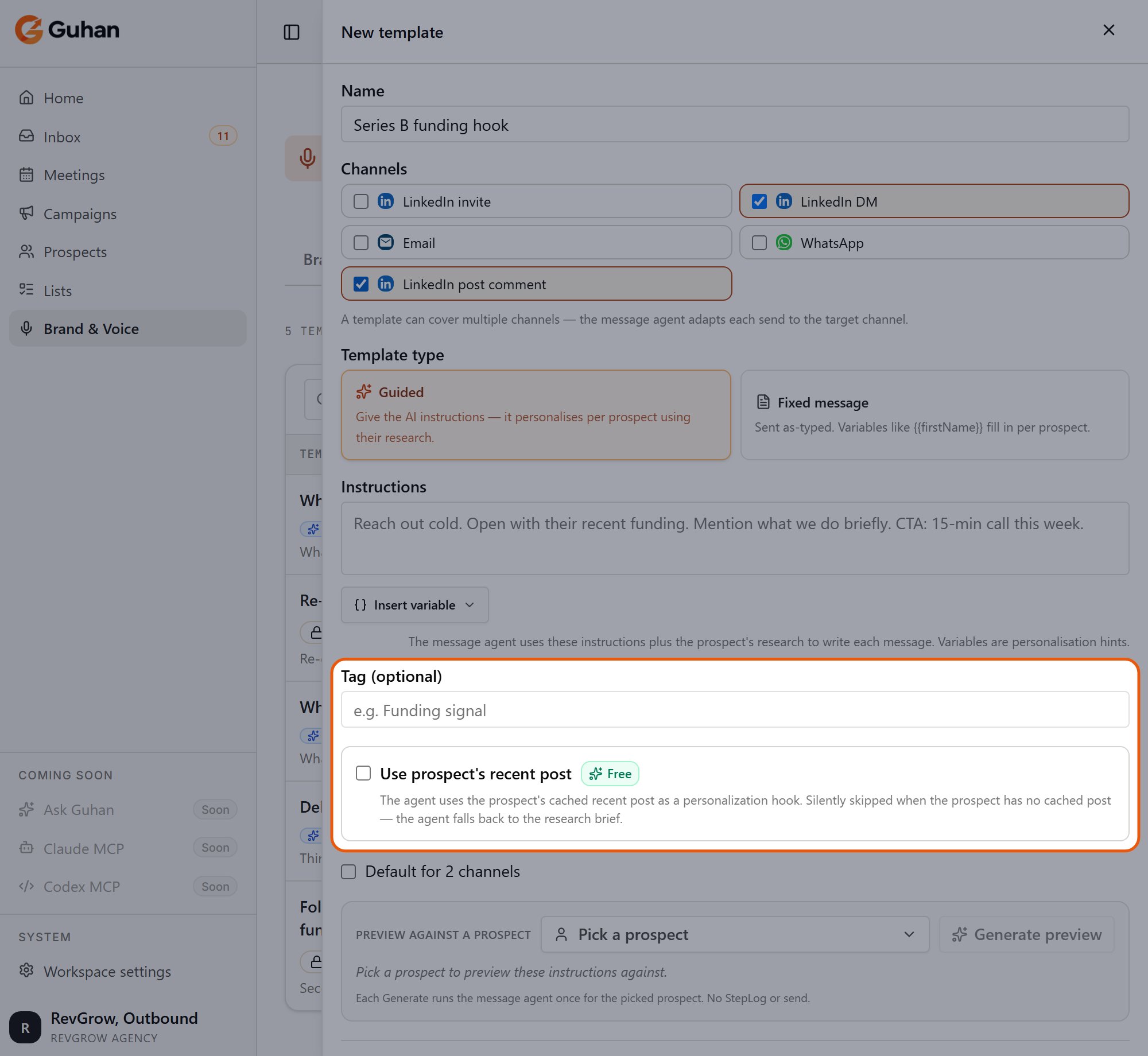
Add a tag to find the template later. On LinkedIn post comment templates, Use prospect's recent post is available
Save
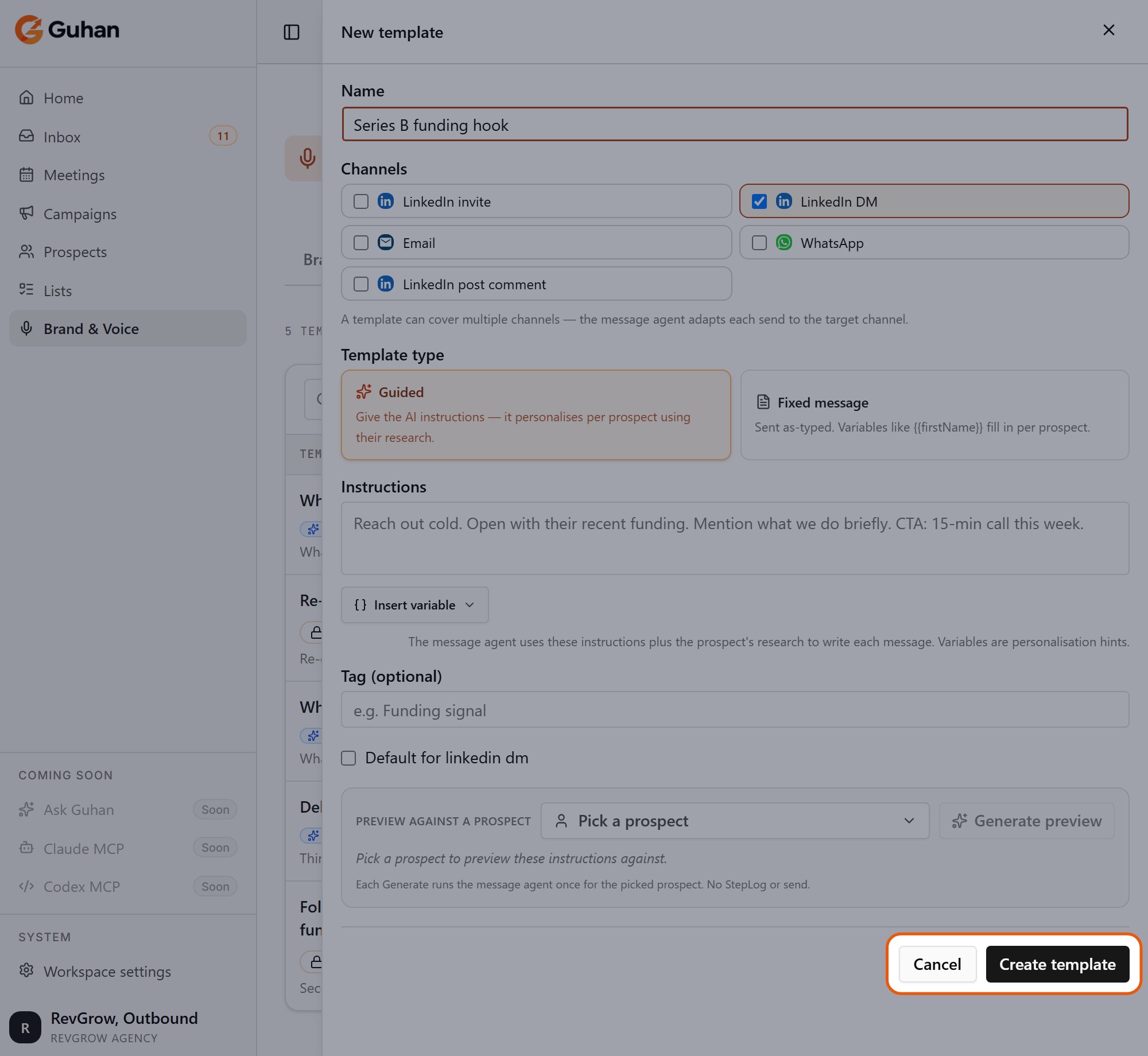
Click Create template to save it
Use a template on a campaign step
On a message step, open its settings and choose Start from template. The template’s text is copied into the step. After that the step is independent: editing the template later does not change steps that already used it, and editing the step does not change the template. The template picker is not shown on Auto-draft steps.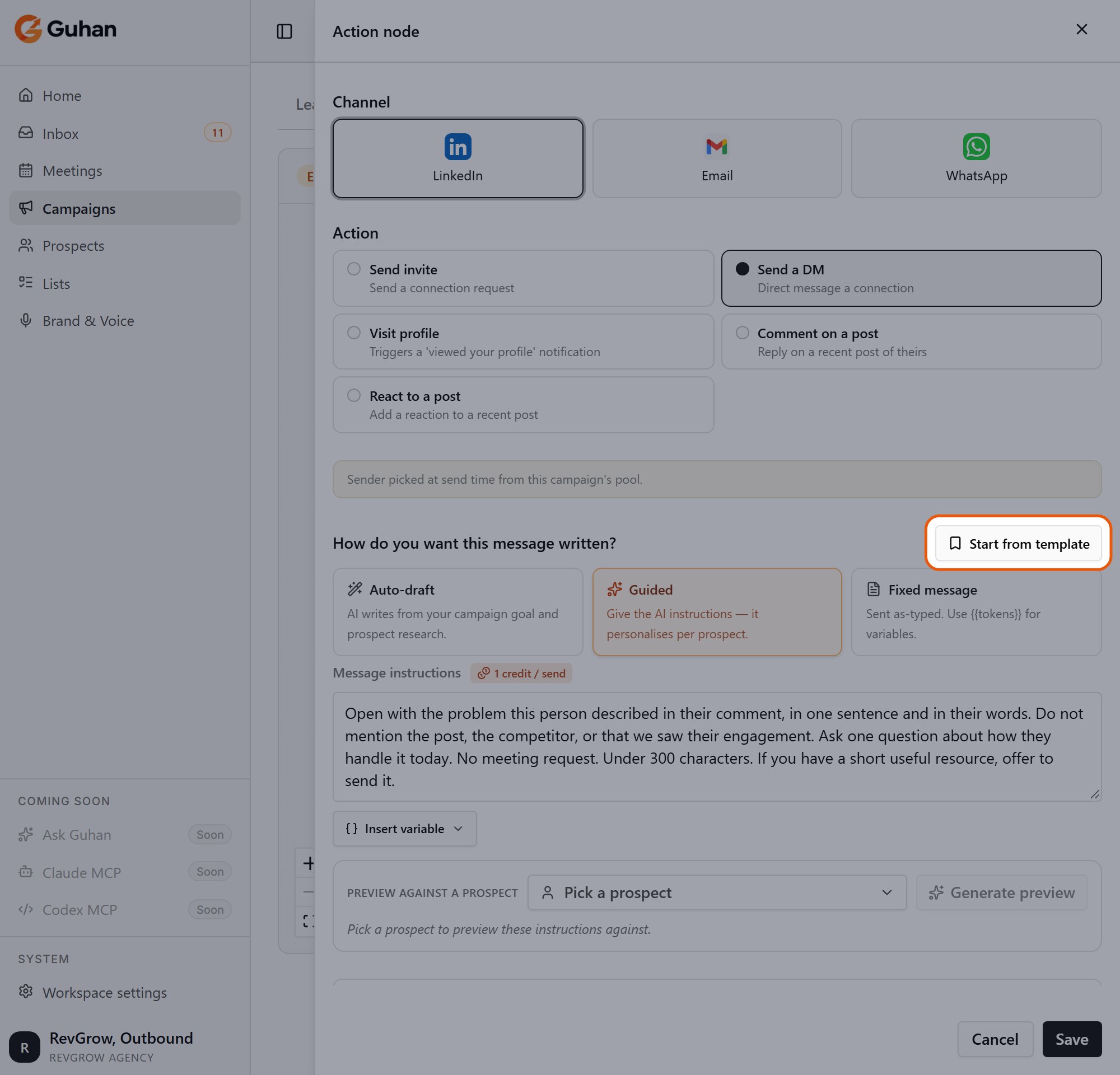
On a message step in a campaign, Start from template is at the right of "How do you want this message written?"
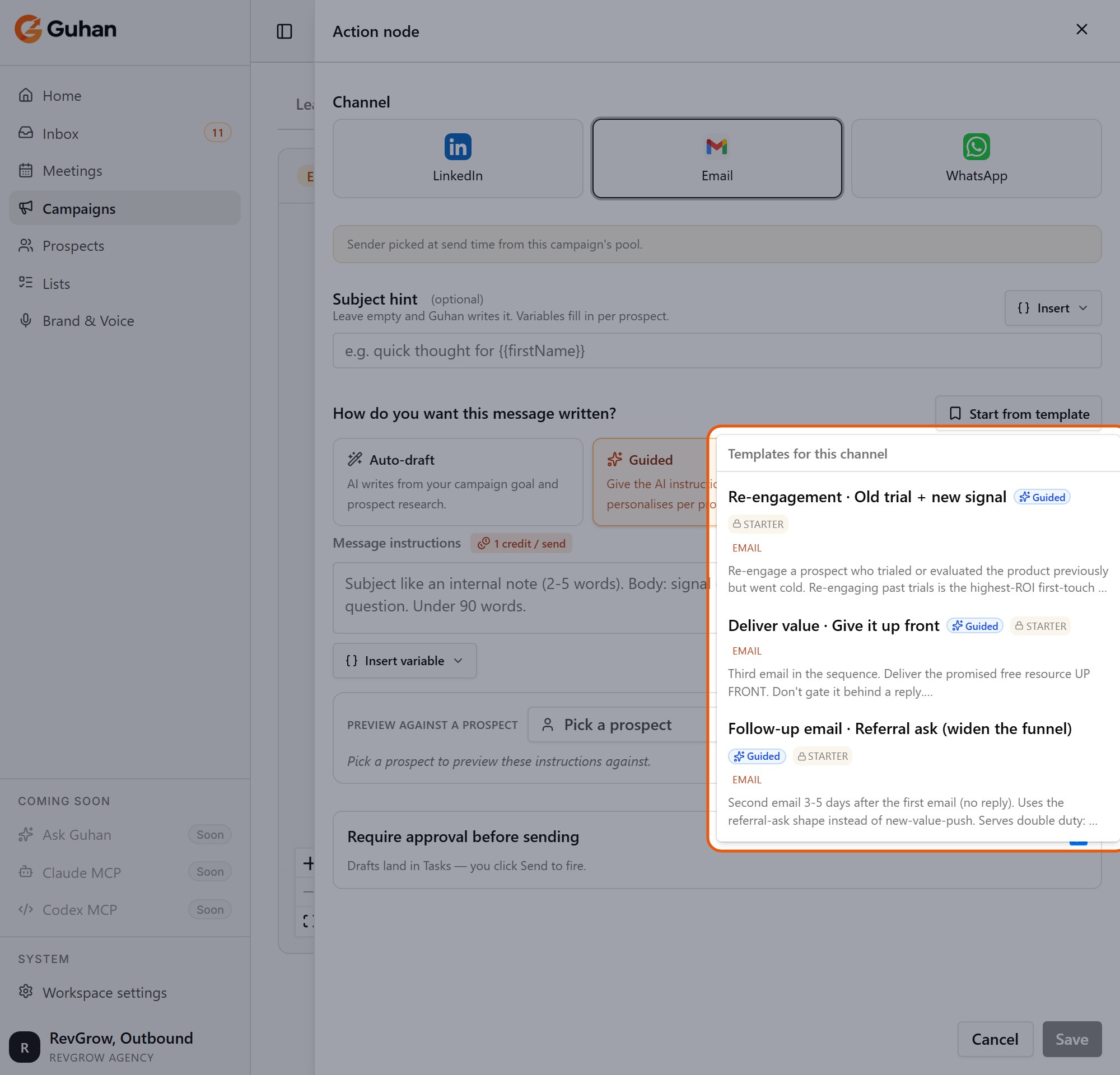
Pick a template to copy its text into the step
Clone, edit, filter
- Clone to edit on a starter creates your own editable copy.
- Your own templates can be edited, cloned, or deleted from the row menu.
- Filter the list by channel, by tag, or by kind (all, starters only, custom only), or search by name, tag, or instructions.
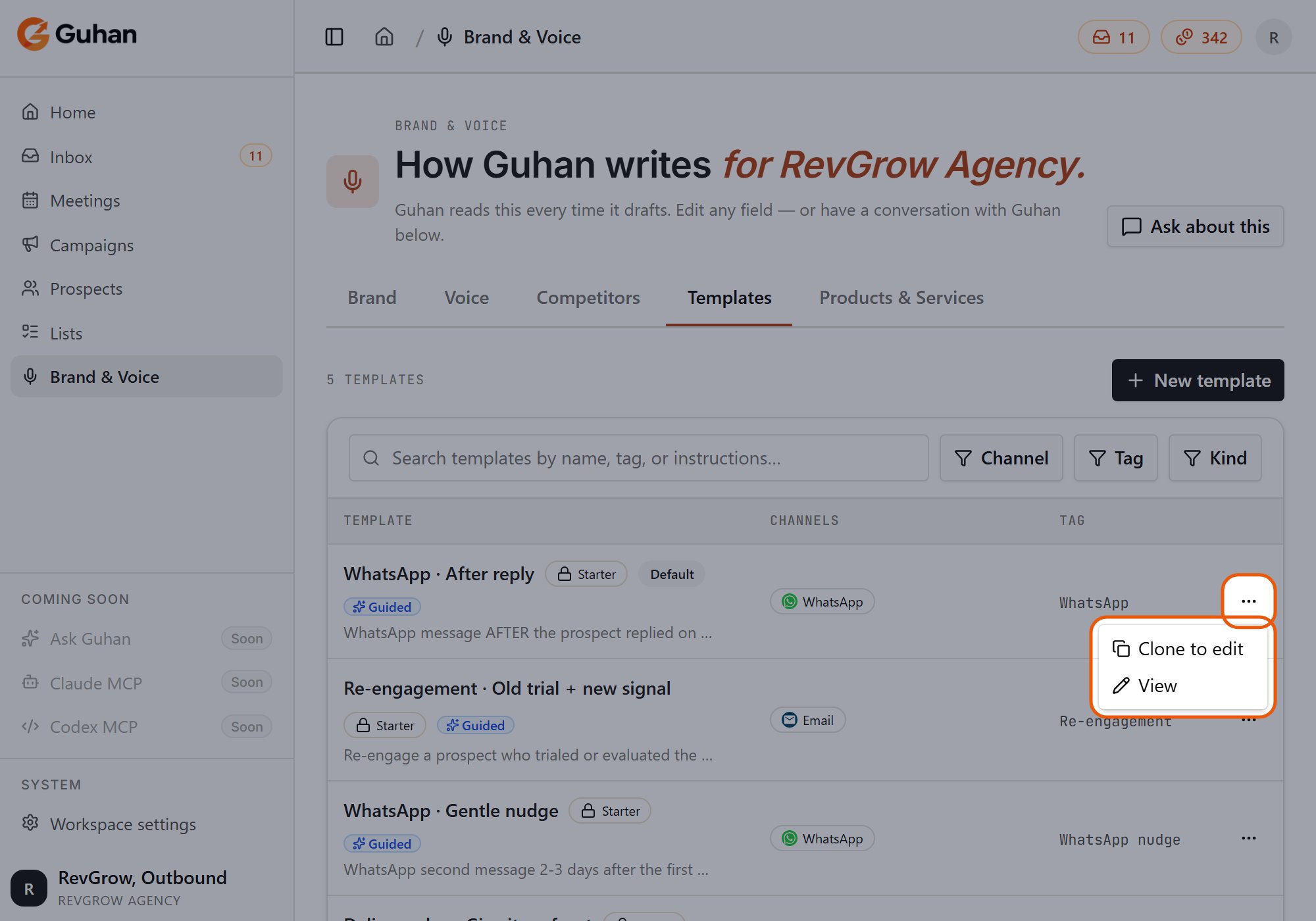
A template's menu: Clone to edit, or View for a starter
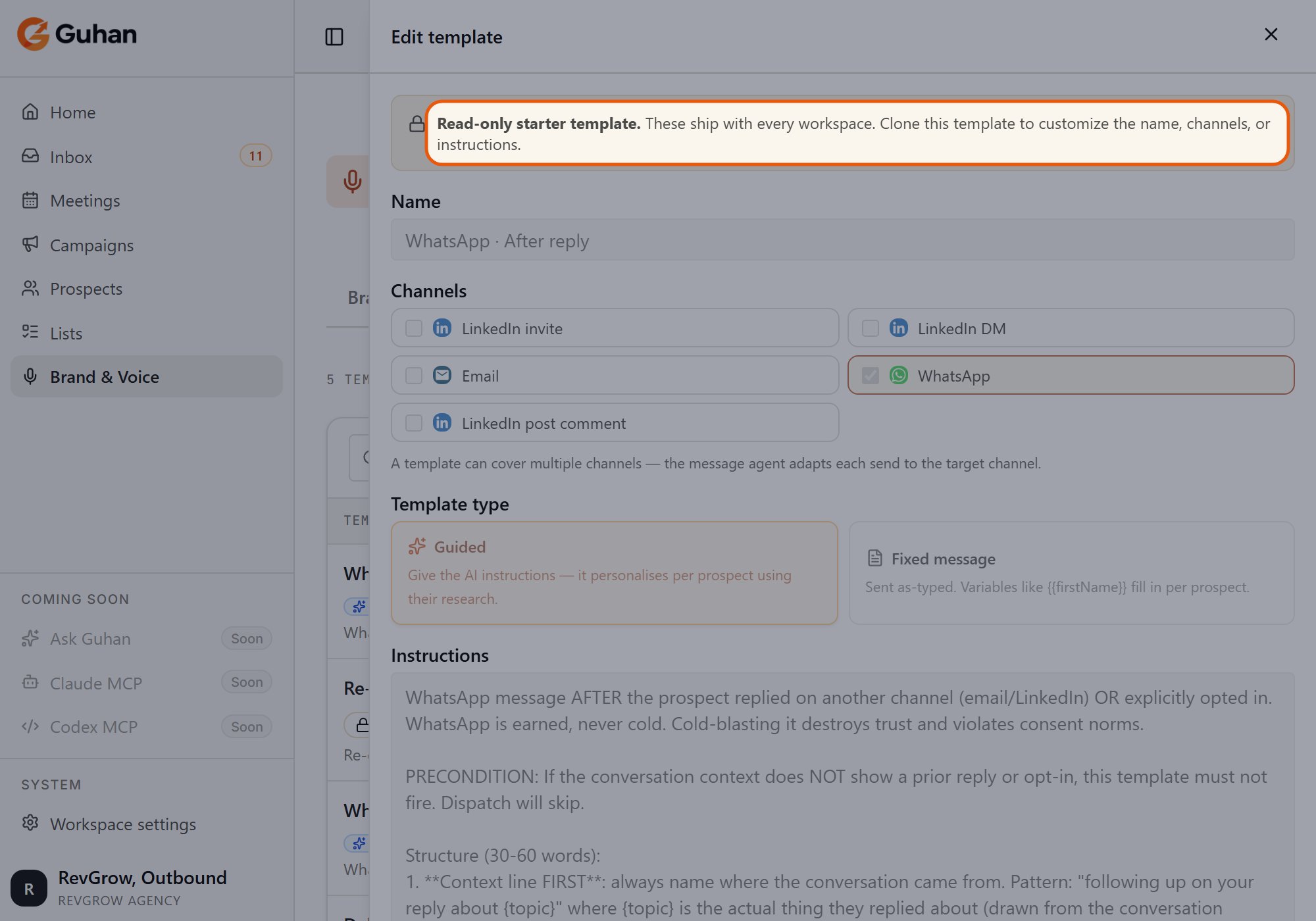
A starter is read-only. Clone it to make your own copy
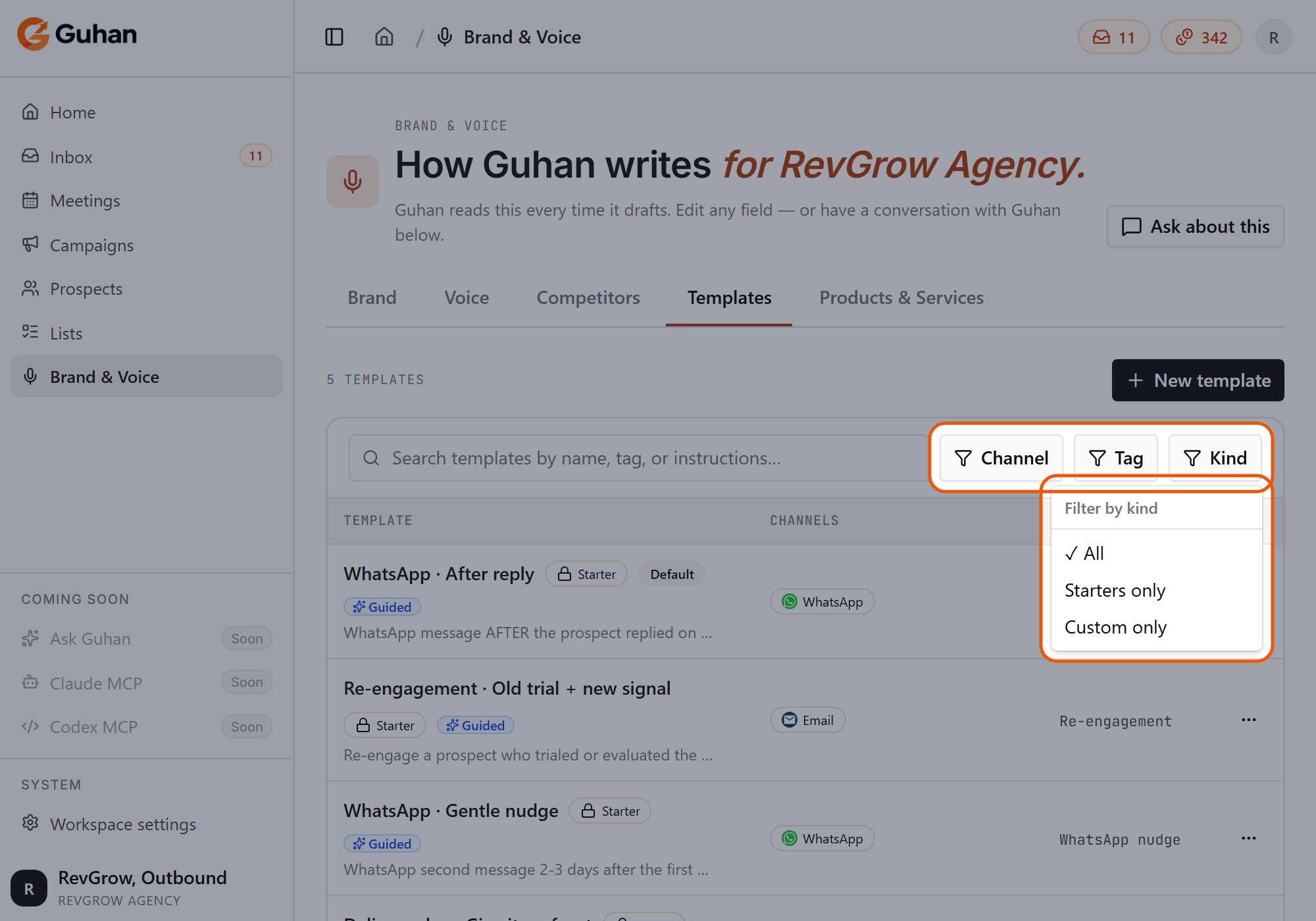
Filter by channel, tag or kind. Kind has All, Starters only and Custom only
If something’s off
I cannot edit a template
I cannot edit a template
A Fixed message did not send
A Fixed message did not send
My edit to a template did not change my campaign
My edit to a template did not change my campaign