

The five tabs
Brand
Industry, company description and value proposition, customer pain points.
Voice
Tone, preferred language, and words Guhan will not write.
Competitors
How you differ from each competitor, for when a prospect brings one up.
Templates
Reusable starting points for campaign messages.
Products & Services
What you sell, with proof and free resources. Pick one per campaign.
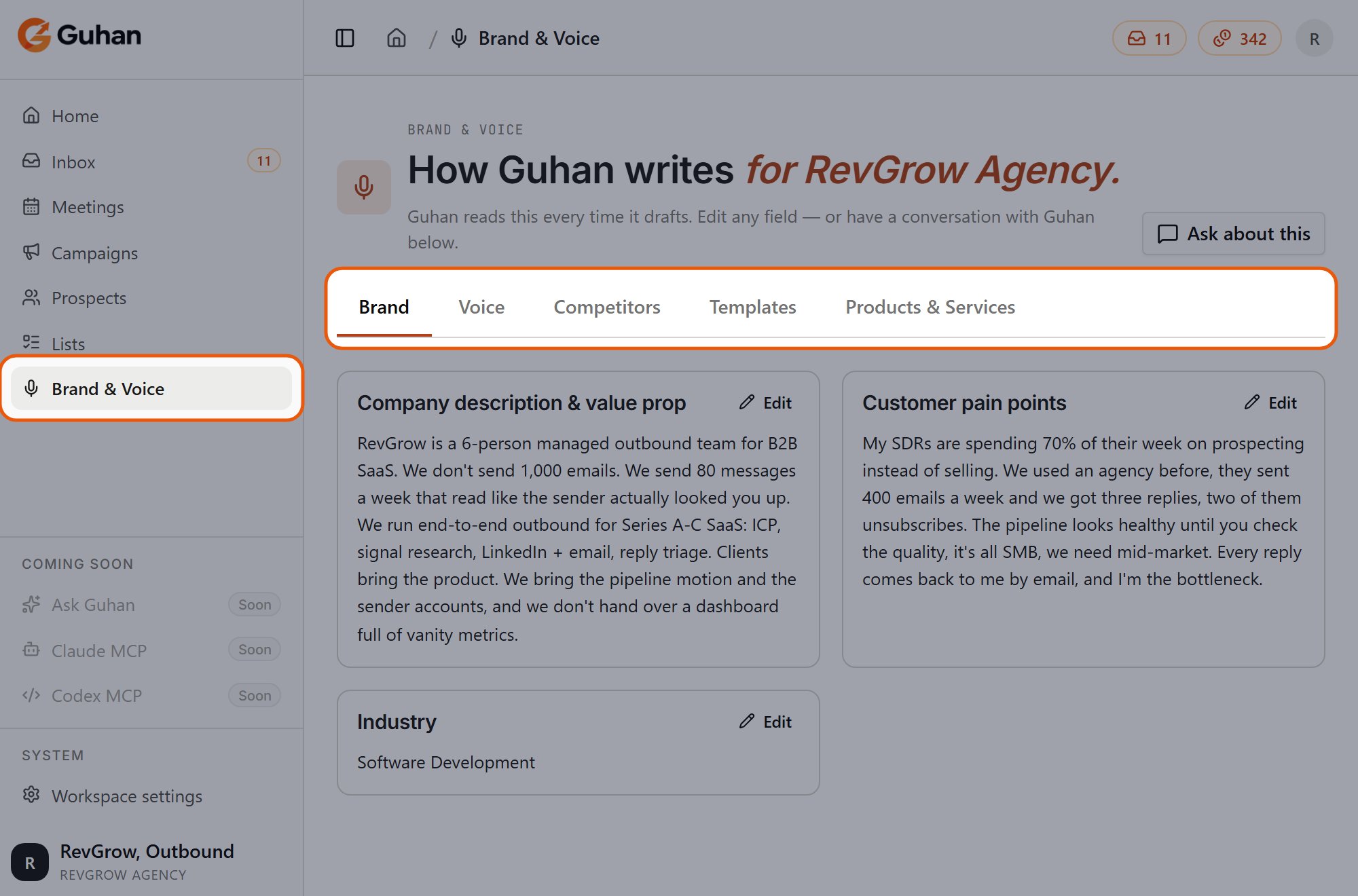
Brand & Voice is in the sidebar. The page has five tabs: Brand, Voice, Competitors, Templates and Products & Services
How Guhan uses it
- Company description, industry, and pain points give messages and replies their subject matter.
- Tone sets how messages sound. Guhan follows it as a style guide.
- Words Guhan will not write are strictly kept out of messages it drafts.
- Preferred language is a hint for the language to write in. It guides Guhan but is not a hard rule.
- Competitor differentiation is used when a prospect mentions that competitor.
- The product on your campaign supplies the specific pitch, proof, and offers. See Products.
Only tone and words Guhan will not write count as a configured voice. If tone is left at the default and the never-say list is empty, Guhan treats your voice as not set up yet.
Brand & Voice applies to messages Guhan writes: Auto-draft, Guided, and AI replies. A step set to Fixed message is sent exactly as you typed it, so none of this changes it.
Workspace-wide
There is one brand and voice per workspace. It applies to every campaign. Product-specific details live on the product, not here. Do not put prospect-specific notes here. Those belong on the prospect.When to revisit it
- After onboarding, which pre-fills it from your website. Edit anything that does not sound like you.
- After the first batch of messages, if the drafts feel off.
- When you launch a new product, add it under Products & Services.
Related
Set up Brand & Voice
Field by field.
Message templates
Starters and your own.
Personalization
How a message gets written.