

Sender accounts are only for sending. Finding prospects never uses your personal accounts. If you only want to see the prospects Guhan finds, you do not need to connect a sender at all.
Channels you can connect
Invites, messages, comments, reactions, and profile views. Sign in with email and password, or with a session cookie.
Gmail or Outlook. Sends email and brings replies back.
Sends messages and can also let you chat with Guhan from your phone.
How many senders you can connect
Your sender limit is the number of licenses on your workspace plus any extra-sender add-ons. Each license includes one sender of any channel, and each add-on adds one more. The Connect dialog shows where you stand, for example “1 of 2 senders used”. If you are at the limit, connecting is blocked until you add a license or an add-on. See Plans and credits. A sender counts against the limit once it is connected, including when it needs reconnecting. A connection that never finishes does not count.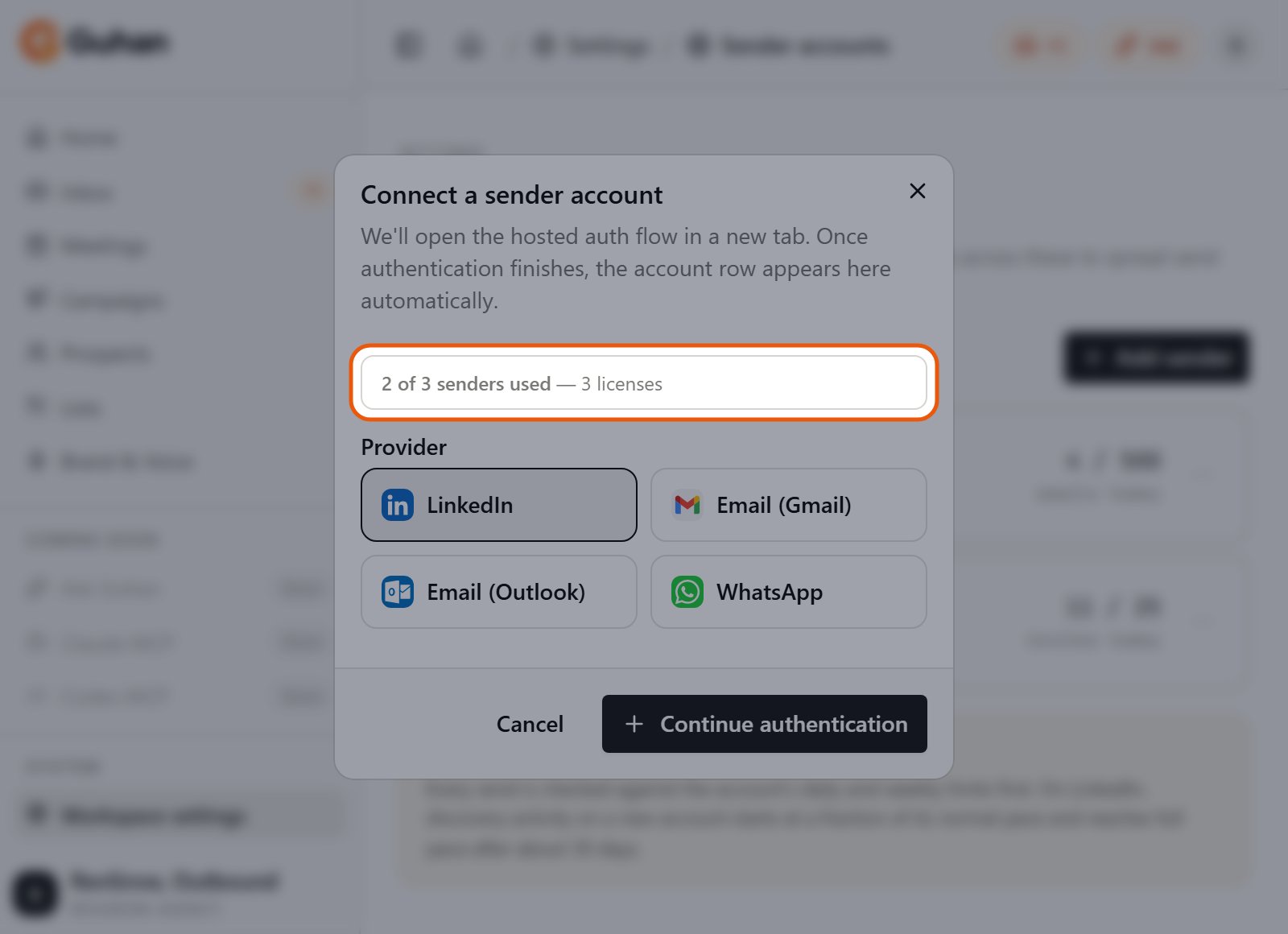
Add sender shows how many of your senders are used, here 2 of 3 with 3 licenses
Connect one
Settings, Sender accounts, then Add sender. You can also connect from your own profile under Sender accounts. Pick a channel and Guhan opens the provider’s own sign-in page in a new tab (or a QR code for WhatsApp). Guhan never sees your password. Workspace admins can connect a sender on behalf of a teammate and choose the owner.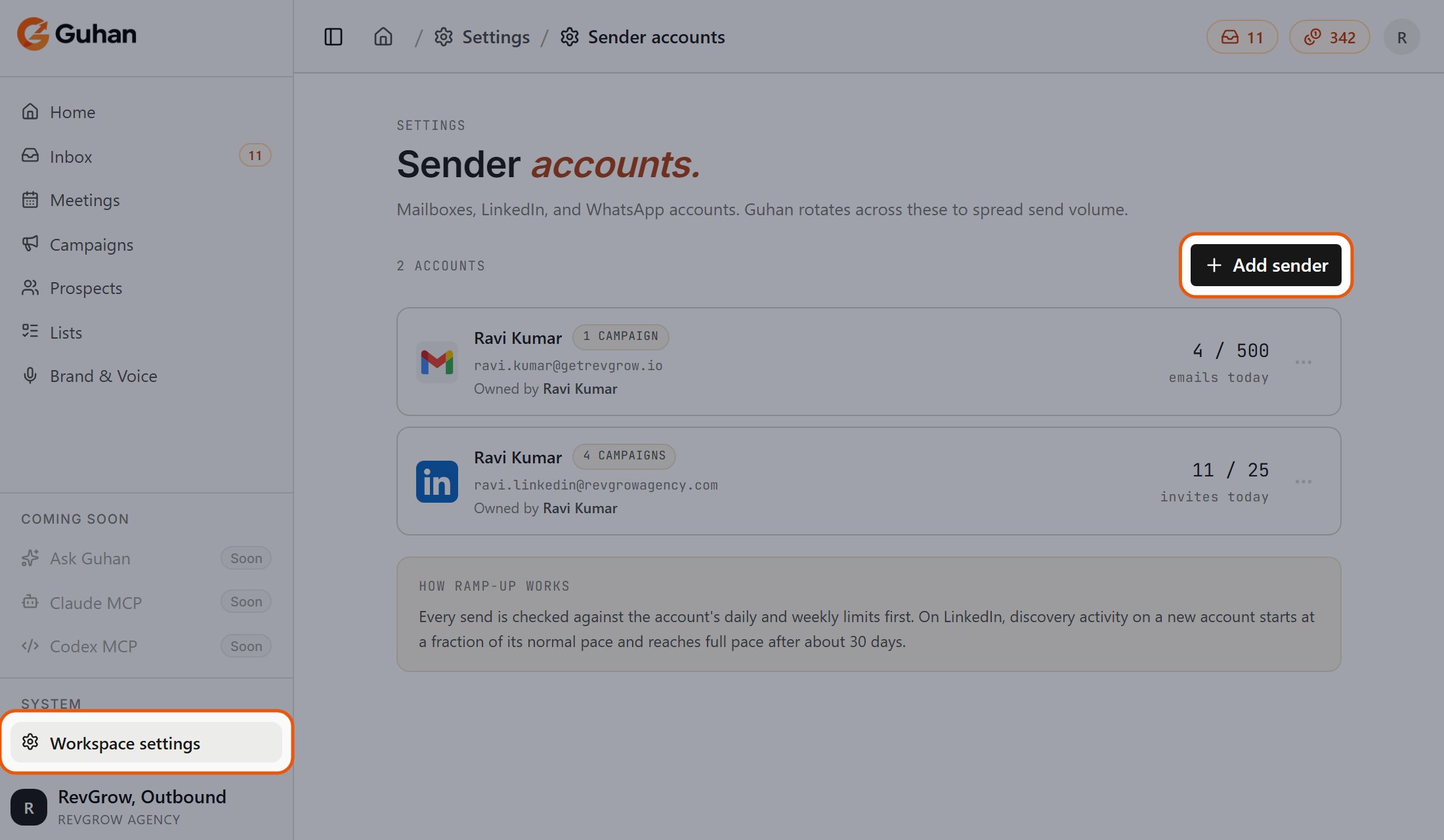
Open Workspace settings from the sidebar, then Sender accounts. Add sender is at the top right
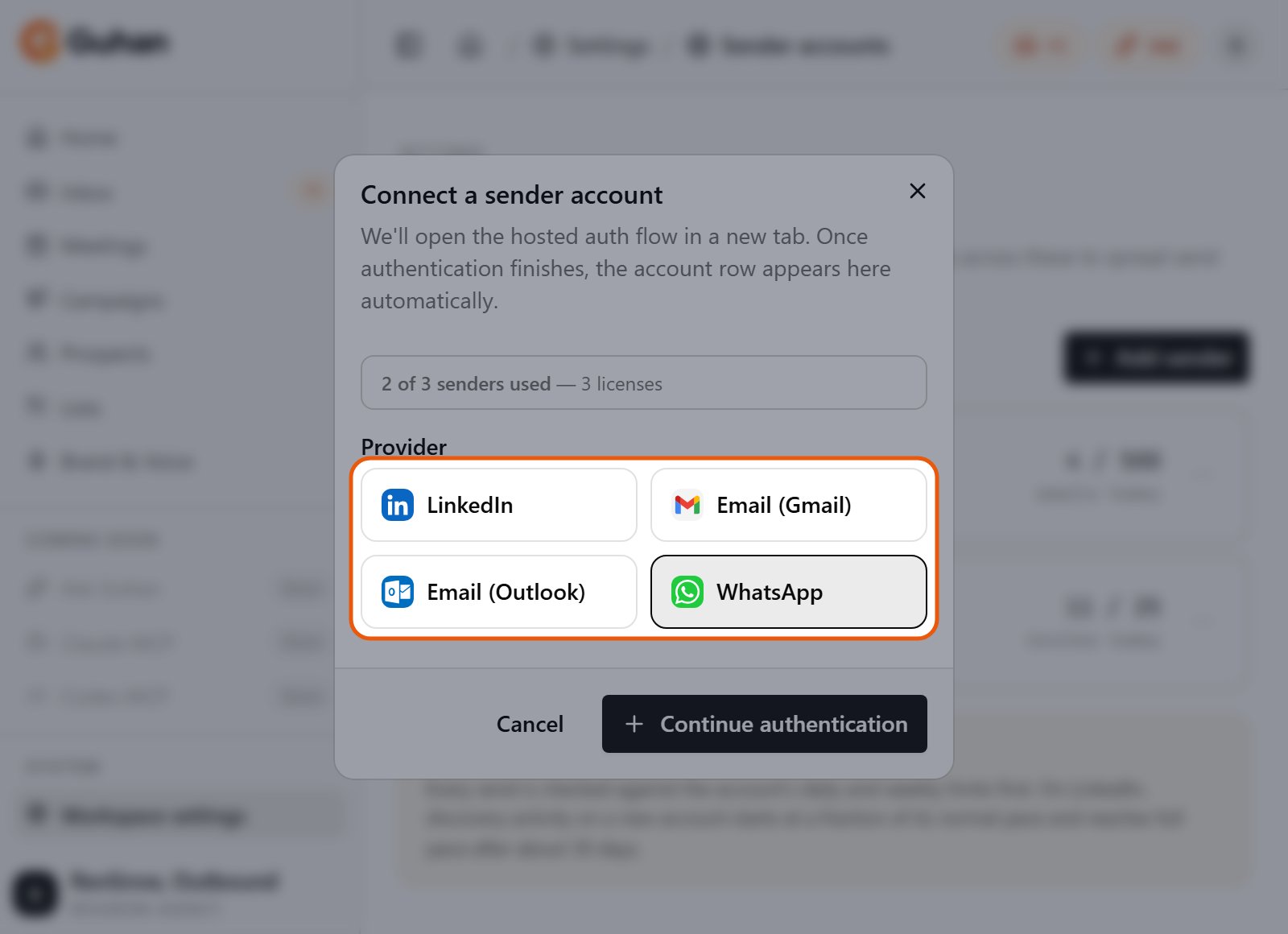
Add sender: choose LinkedIn, Email (Gmail or Outlook) or WhatsApp, then Continue authentication
Sender status
When an account is broken, a banner appears at the top of the app. Sending from it stops until you fix it, and queued steps wait. New prospects keep waiting for a working sender.
Limits, windows, and pacing
Every sender has daily and weekly limits and a sending window. Guhan checks them before every send and reschedules anything that would go over. They are explained once, in Sending safety, including default numbers. To change a sender’s limits or its sending schedule, open the account’s settings from Settings, Sender accounts.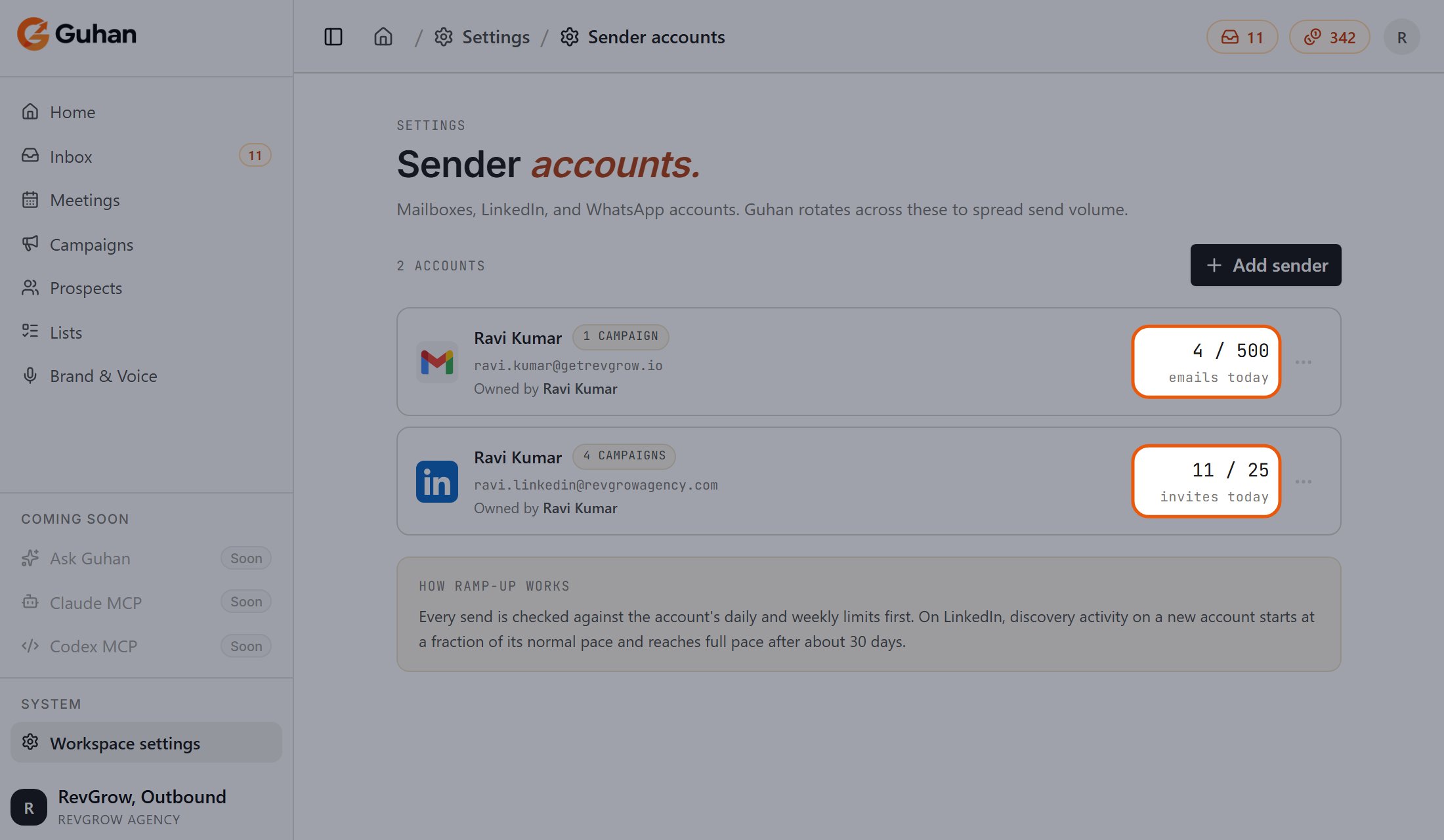
Each sender shows what it has sent today against its daily limit
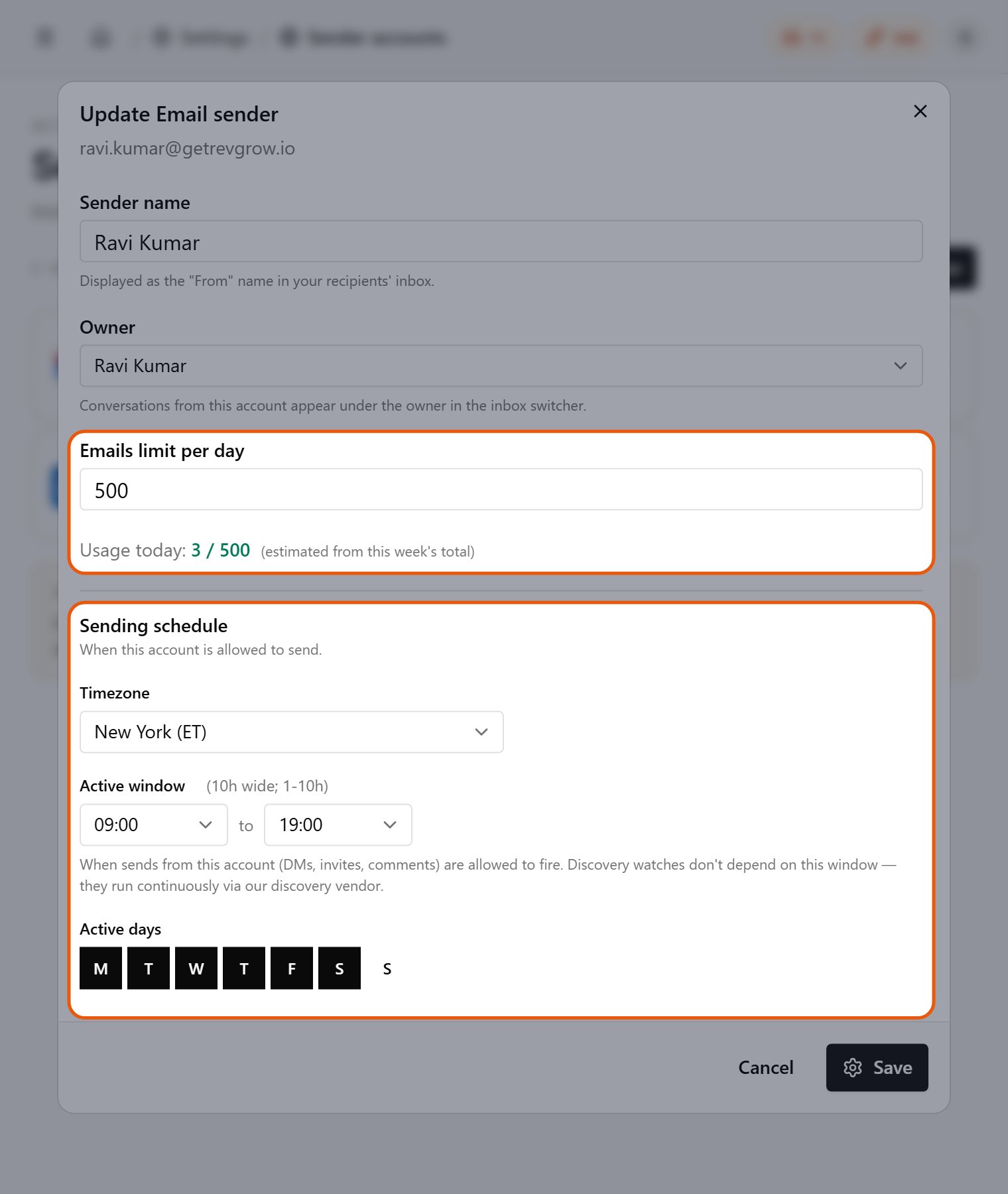
A sender's settings: the daily limit and the sending schedule
Several senders in one campaign
A campaign can use more than one sender per channel. Guhan spreads the work across them, and once a prospect has been contacted from a sender, later steps for that prospect keep using the same sender. Pick senders on the campaign’s start step. See Build a campaign.Disconnecting
Use the account’s menu, Disconnect. If active campaigns still use the sender, it is marked Reconnect needed instead of being removed, so those campaigns keep their place and you can reconnect or swap in another sender. Past conversations stay in your Inbox.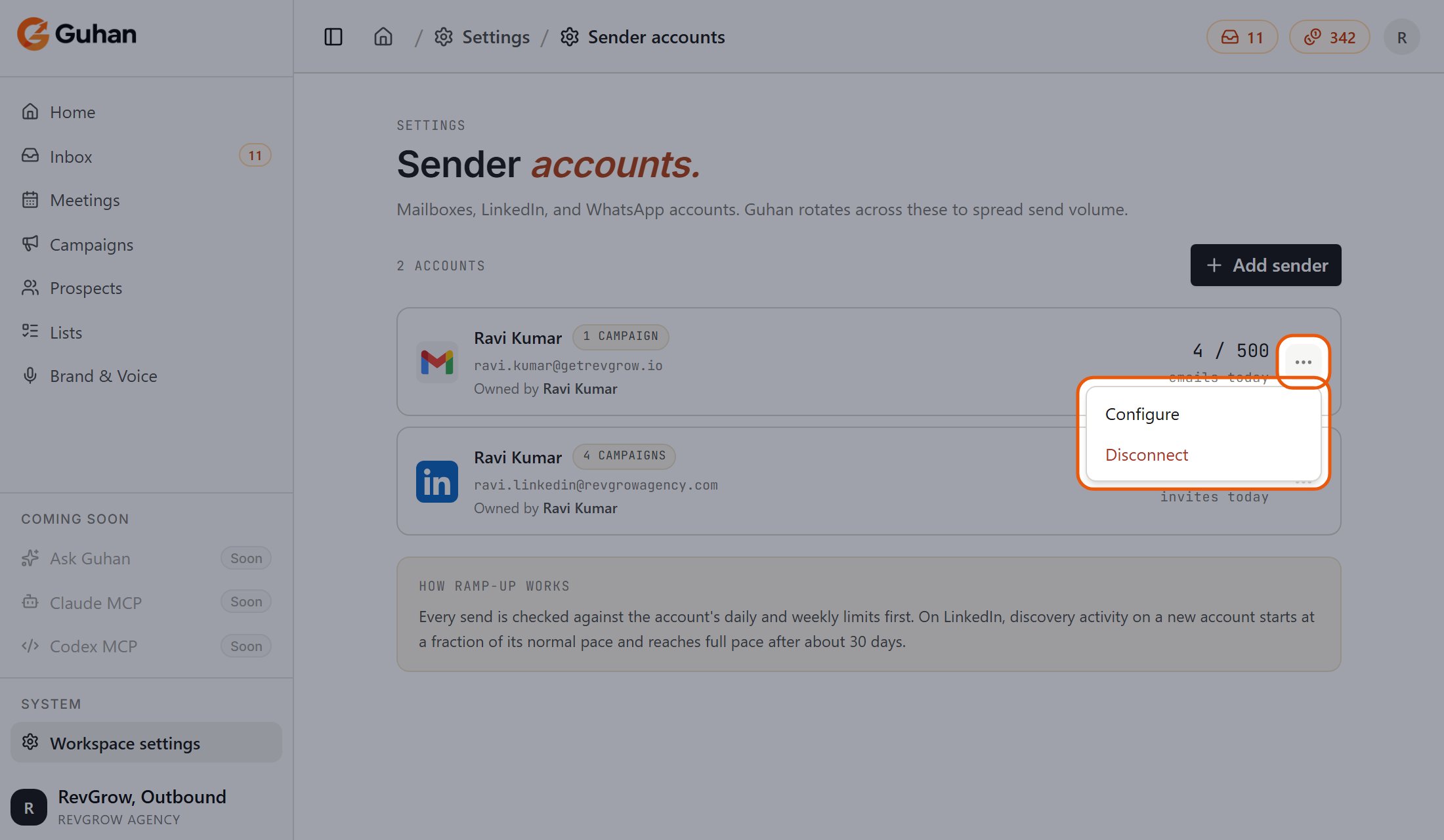
A sender's menu: Configure or Disconnect
If something’s off
Connect is blocked with a limit message
Connect is blocked with a limit message
You are at your sender limit. Add a license or an extra-sender add-on under Settings, Billing.
I connected the wrong person's account
I connected the wrong person's account
Disconnect it and connect the right one. Admins can also change a sender’s owner from its settings.
Related
Sending safety
Limits, windows, and pacing.
Plans and credits
Licenses and extra senders.
Roles and permissions
Who can connect senders.